SETTINGS
31
Open submenu
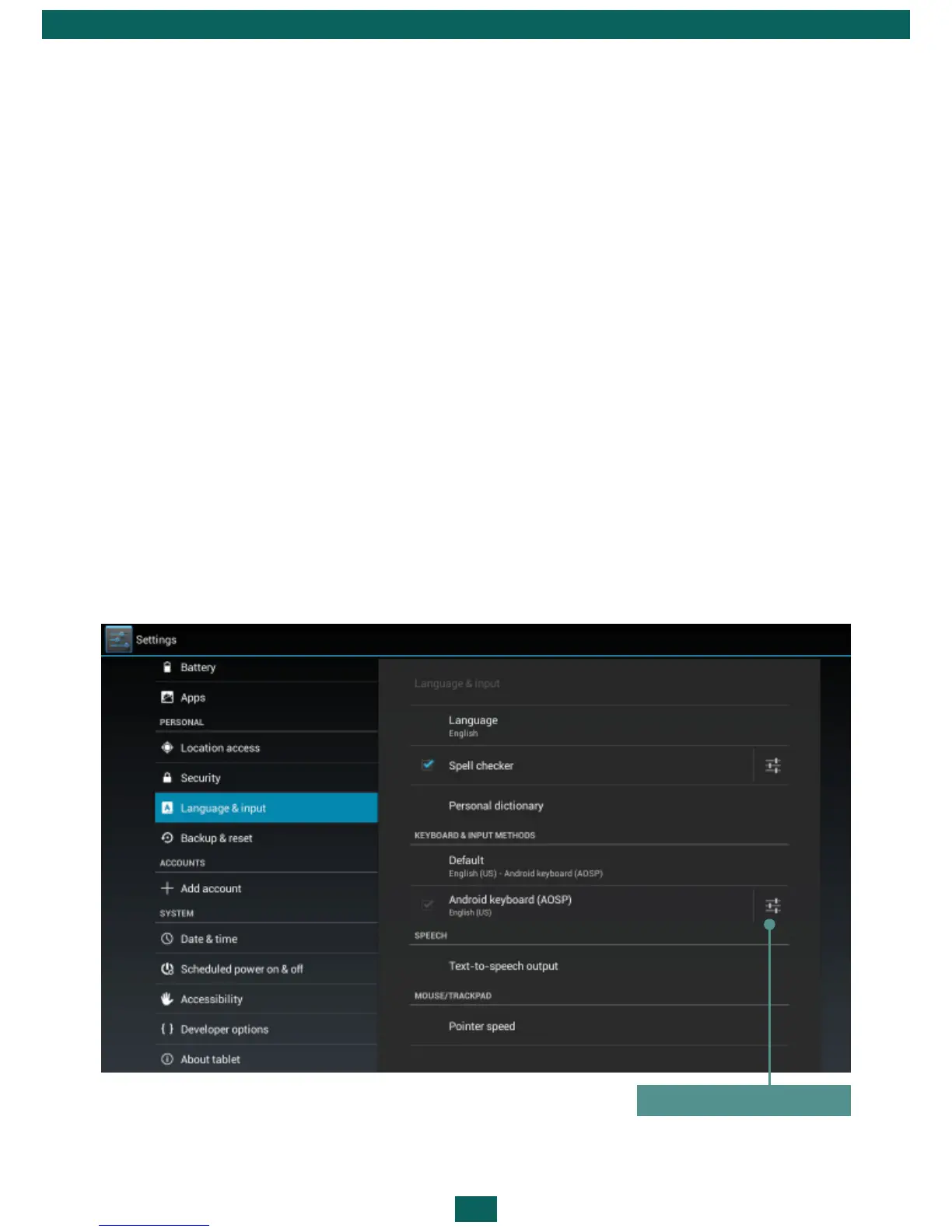
LANGUAGE & INPUT
To change interface language, go to Language and input > Language sec-
tion and select the one you need.
Personal dictionary section stores words, added by user for auto-completion.
In Android keyboard section you can turn on/off the following settings:
•Auto-capitalization;
•Sound on key-press;
•Show settings key – define, whether show settings key on a keyboard or
not;
•Auto-correction – spacebar and punctuation correct mistyped words
automatically;
•Show correction suggestions;
•Advanced settings.



 To Next Page