SOFTWARE
20
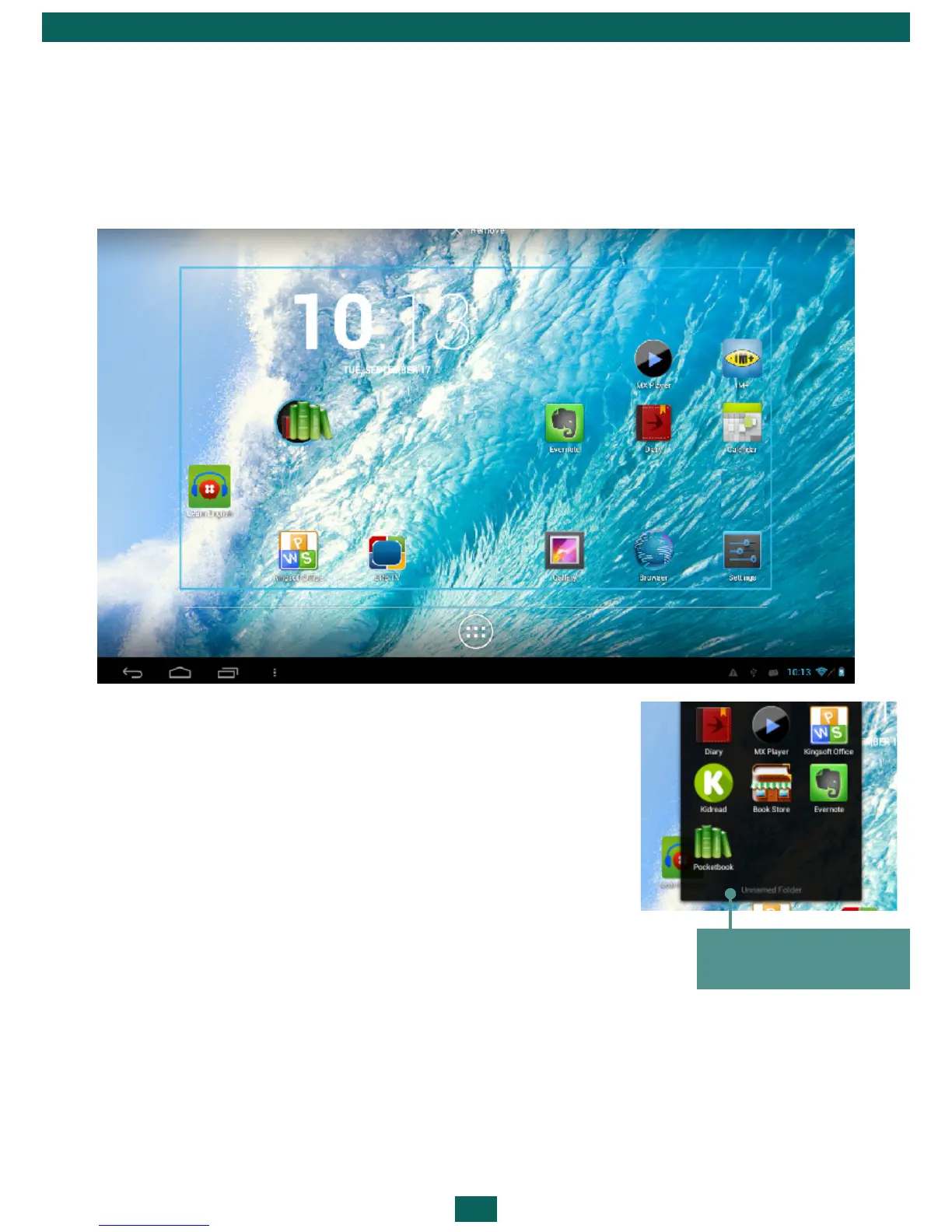
CREATING FOLDERS ON THE HOME SCREEN
Desktop icons can be grouped into folders. To create a folder, tap and hold
the icon and drag it to the icon which you want to merge with, and then
release your finger.
You can add the icons of other programs to this
folder in a similar way. To rename a folder, touch to
its name and type the new name on the appeared
keyboard.
To open an application, located in a folder, touch
the icon of a folder and choose the application in
the displayed list.
A list of applications
in a folder



 To Next Page