SETTINGS
34
STORAGE
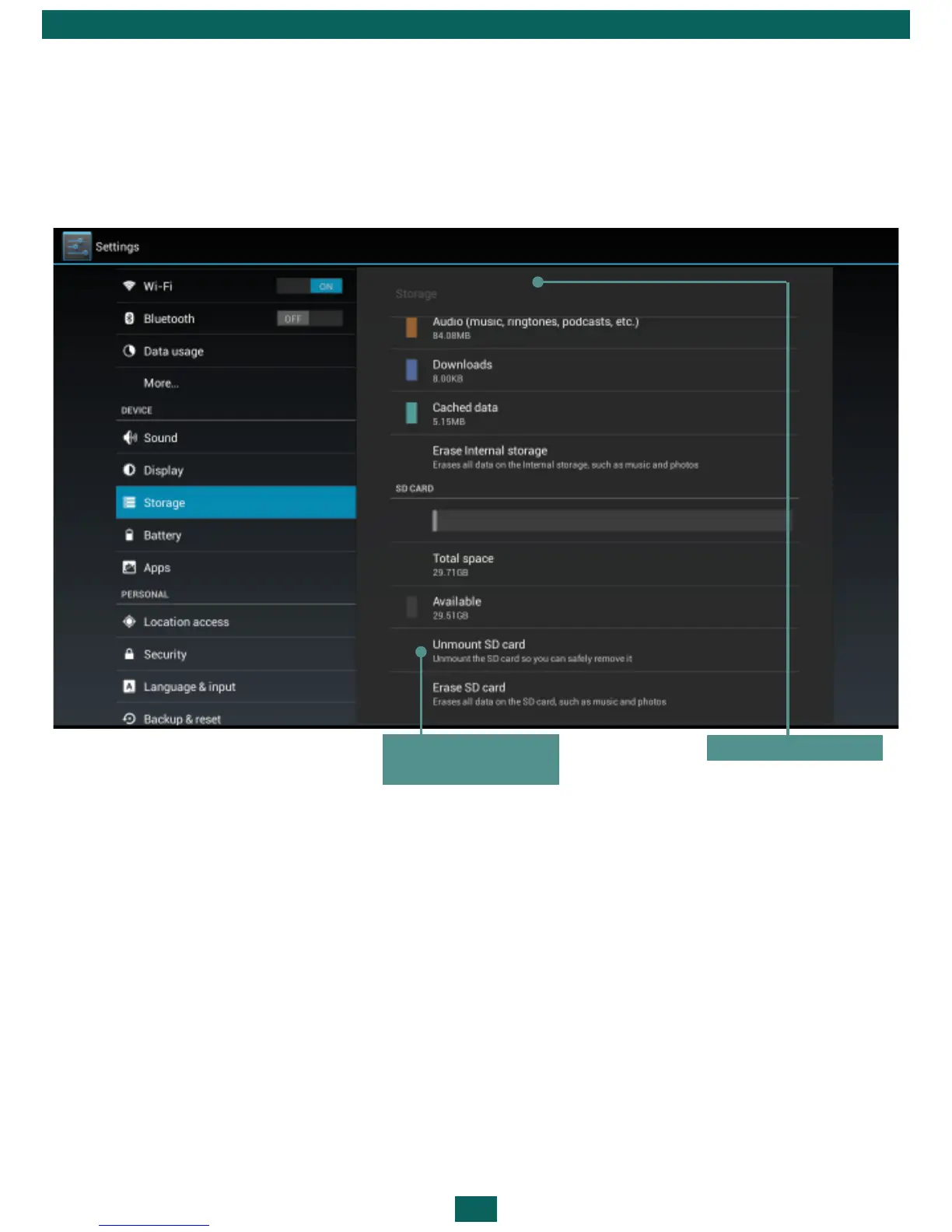
Storage section displays information about the Device storage (internal and
external SD-card memory): total, occupied, available space. In this section
you can also clean internal or external memory.
CONNECTING DEVICES TO YOUR TABLET
USB devices are supported through the USB port, such as a flash drive, ex-
ternal hard disk, mobile phone or digital camera (as a drive for the file shar-
ing), as well as a mouse, keyboard or game controller. If you want external
devices to be identified automatically, check Enable media scanning on SD
in Settings > Storage (as it is shown on the picture above).
UNMOUNTING EXTERNAL MEMORY AND DEVICES
Before ejecting External memory or USB host press Settings > Storage > SD
card/USB host > Unmount shared storage.
Internal storage
Press before
ejecting SD-card



 To Next Page