SETTINGS
41
TRANSFERRING DATA
To transfer data between PC and the Device, connect micro-USB cable.
After you connect the cable, a notification window suggesting to turn on
USB storage will popup. Press Turn on USB storage and the Device memory
and microSD card (if present) will be displayed as USB storages in your PC
Explorer or other file manager.
Now you can copy data to the Device’s internal memory or microSD card. After
transferring data, expand notification panel, press Turn off USB Storage message
and press corresponding button. Now you can unplug micro-USB cable.
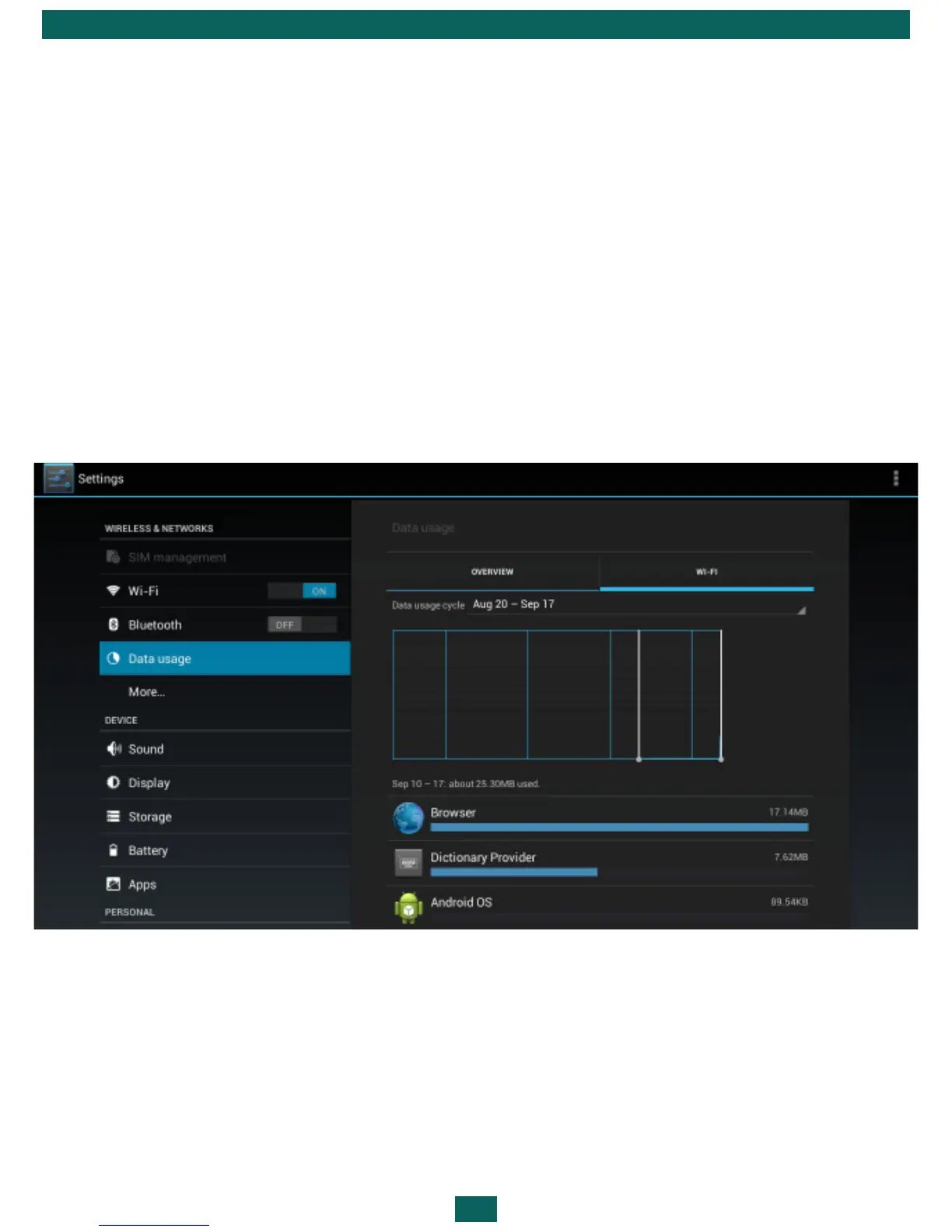
You can set additional parameters of transferring data in Settings > Wireless
& networks > Data Usage section.
INFORMATION ABOUT APPS
To view information about installed applications you should open the ap-
plications list:



 To Next Page