SETTINGS
37
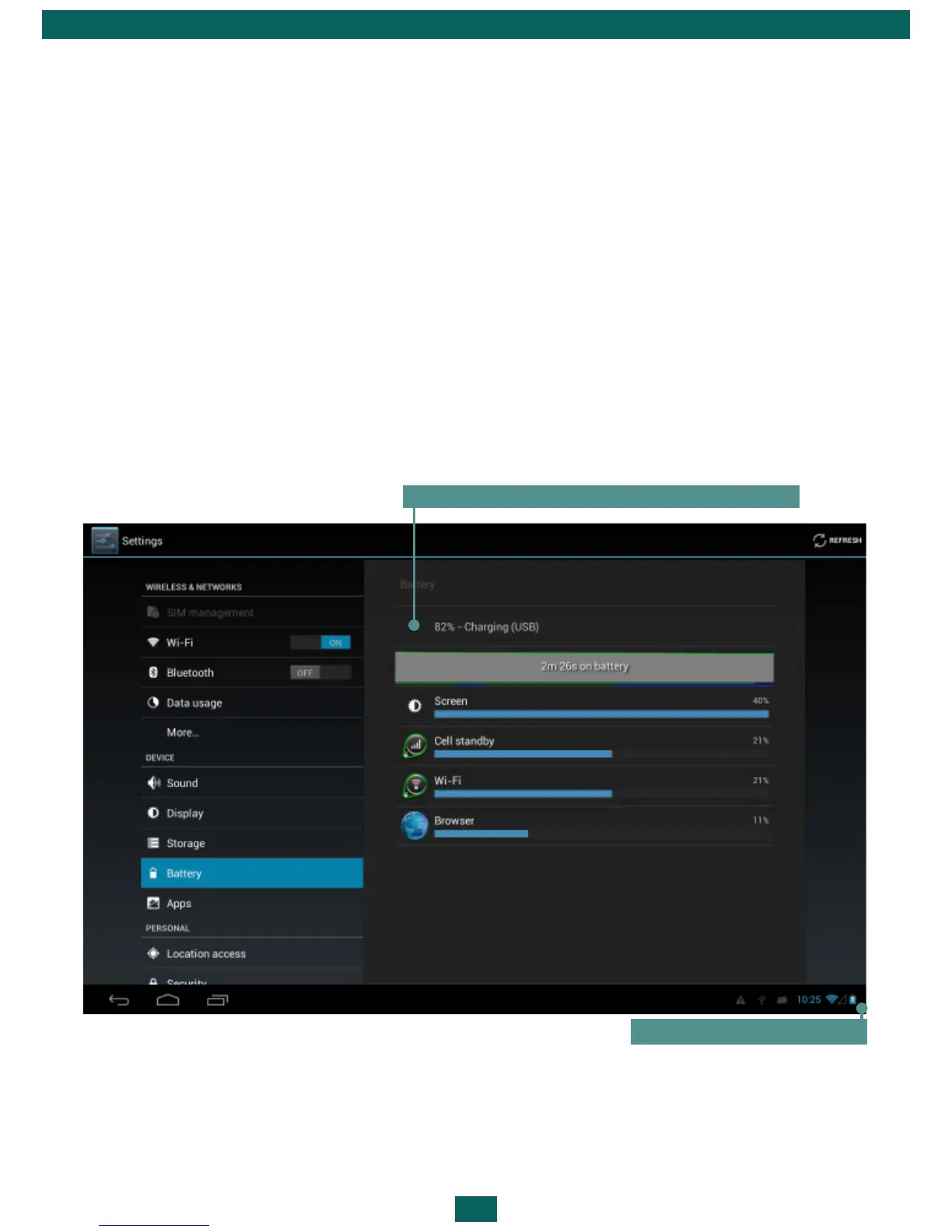
BATTERY CHARGE STATE
It displays battery charge level (in percents), information whether the Device
is charging via network or working from battery. In Battery section you can
view info about applications, consuming the power.
•Android system recovery menu will appear. Now you can release Volume
+ button
•Select wipe data/factory reset using Volume +/- hardware keys and press
On/Off key to confirm choice.
•Select yes – delete all user data and press Menu
•Under service menu select reboot system now and press Menu
Charging by USB, charging level - 72%
Charging level > 15%



 To Next Page