SOFTWARE
25
LISTEN TO THE MUSIC
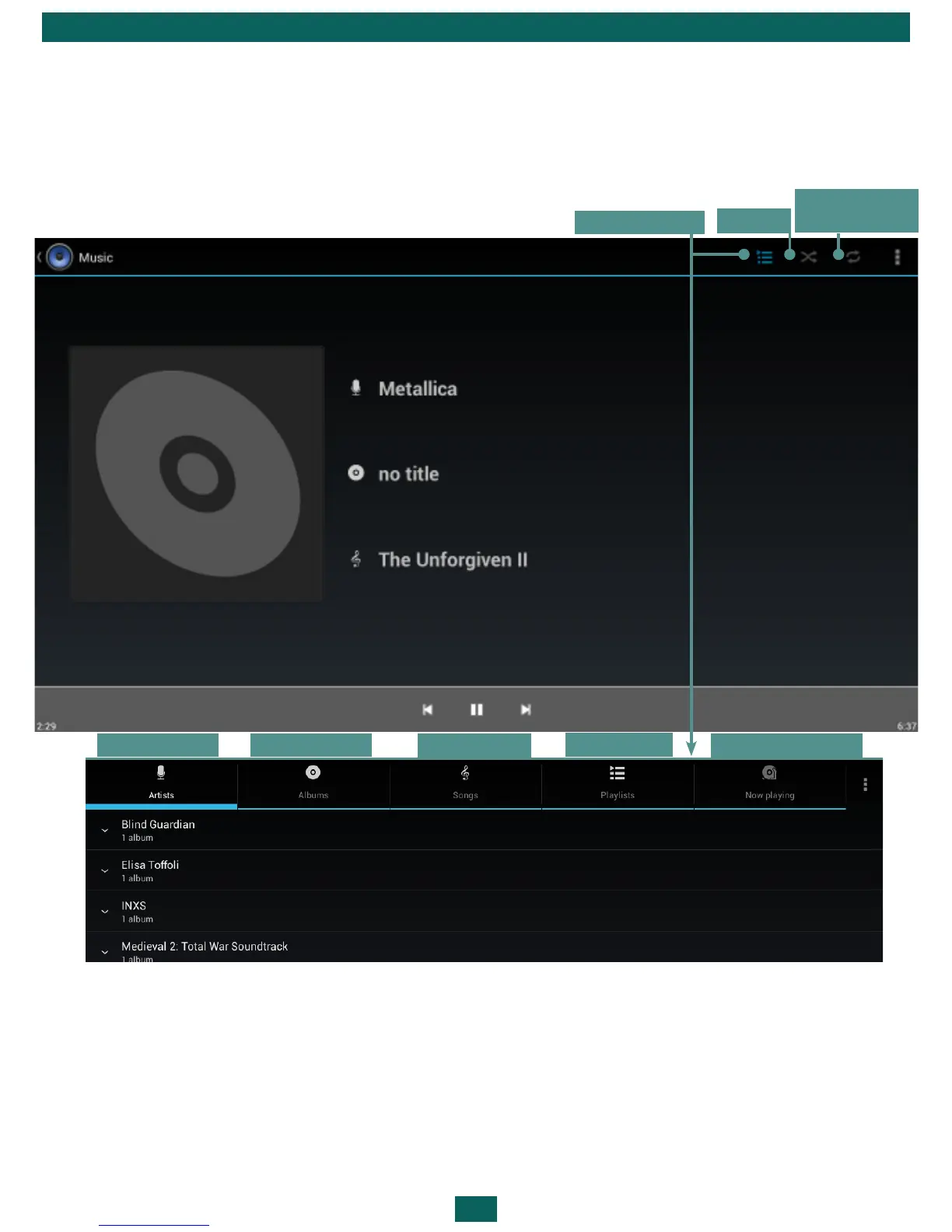
Music Library
In Music Library you can see all the music, stored in the Device’s memory.
To create new playlist, bring up song’s context menu, select Add to playlist,
and select New.
Volume is controlled by Volume +/- hardware buttons on a side panel and
by buttons on the bottom of the screen.
Albums
Tracks
Playlists
Now Playing
Music library
Shuffle
Replay (one
track, all, off)
Artists



 To Next Page