30
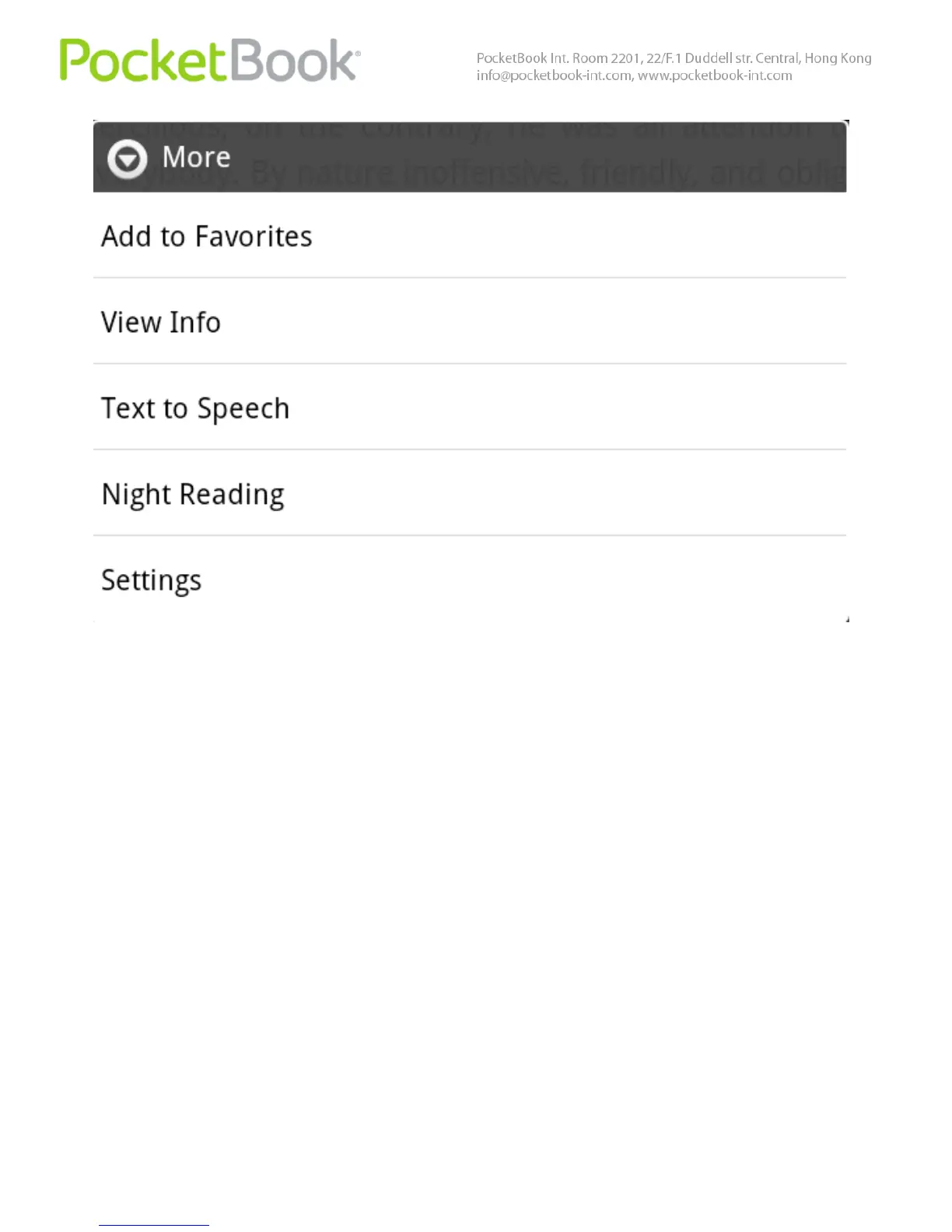
The TTS control menu will be displayed at the bottom of
the opened book.
Highlight a sentence in the text for playback.
Press "Play" to start speech reproduction
Use the fast forward and rewind buttons to select
further sentences for playback
Use the volume controls to adjust playback volume



 To Next Page