32
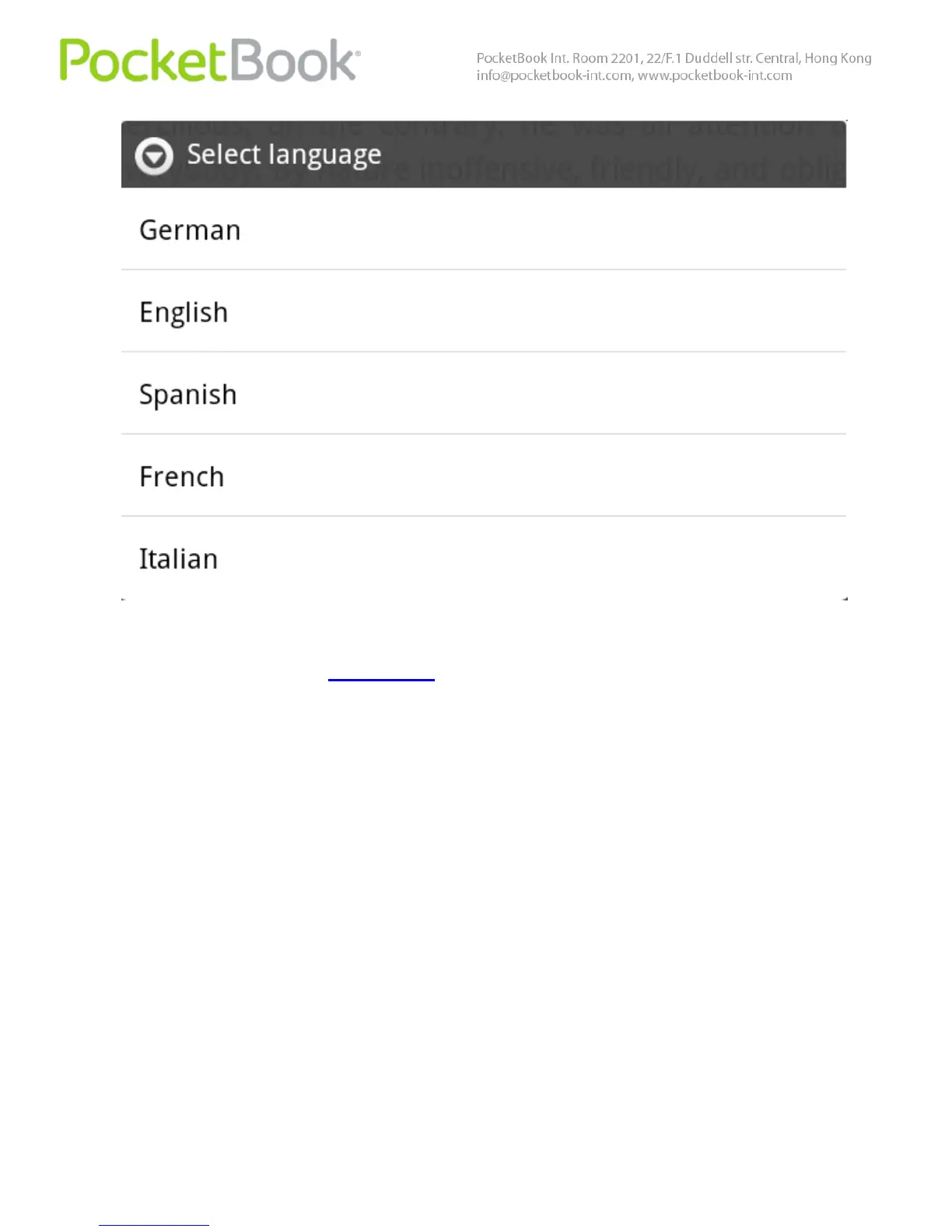
Note Some of the text-to-speech mode settings are
available in the "Settings" section
Note The Text-to-Speech function becomes accessible for
an opened book only after page calculation.
Note The currently reproduced sentence text is
highlighted. Pages of the book reproduced by voice are
flipped automatically.
BOOK INFO
To view book info open the quick menu by pressing and
holding the or your finger in the centre of the display.
From the displayed list select ‘View info’ option.
Information on the book is displayed, such as title, author,
cover page, full path, and file size.



 To Next Page