DOWNLOAD UTILITY:
Your new PocketWizard radio runs on very
sophisticated software we call ControlTL
™
which can be configured to your specific
needs using the PocketWizard Utility.
You can download this utility at
www.PocketWizard.com/support/downloads.
REGISTER ONLINE:
ControlTL software is designed to be “Future
Proof” and will be upgraded from time-to-
time. Please register your product online to
be notified when updates are available.
All equipment should be turned OFF when
making connections. Unwanted triggering
may occur.
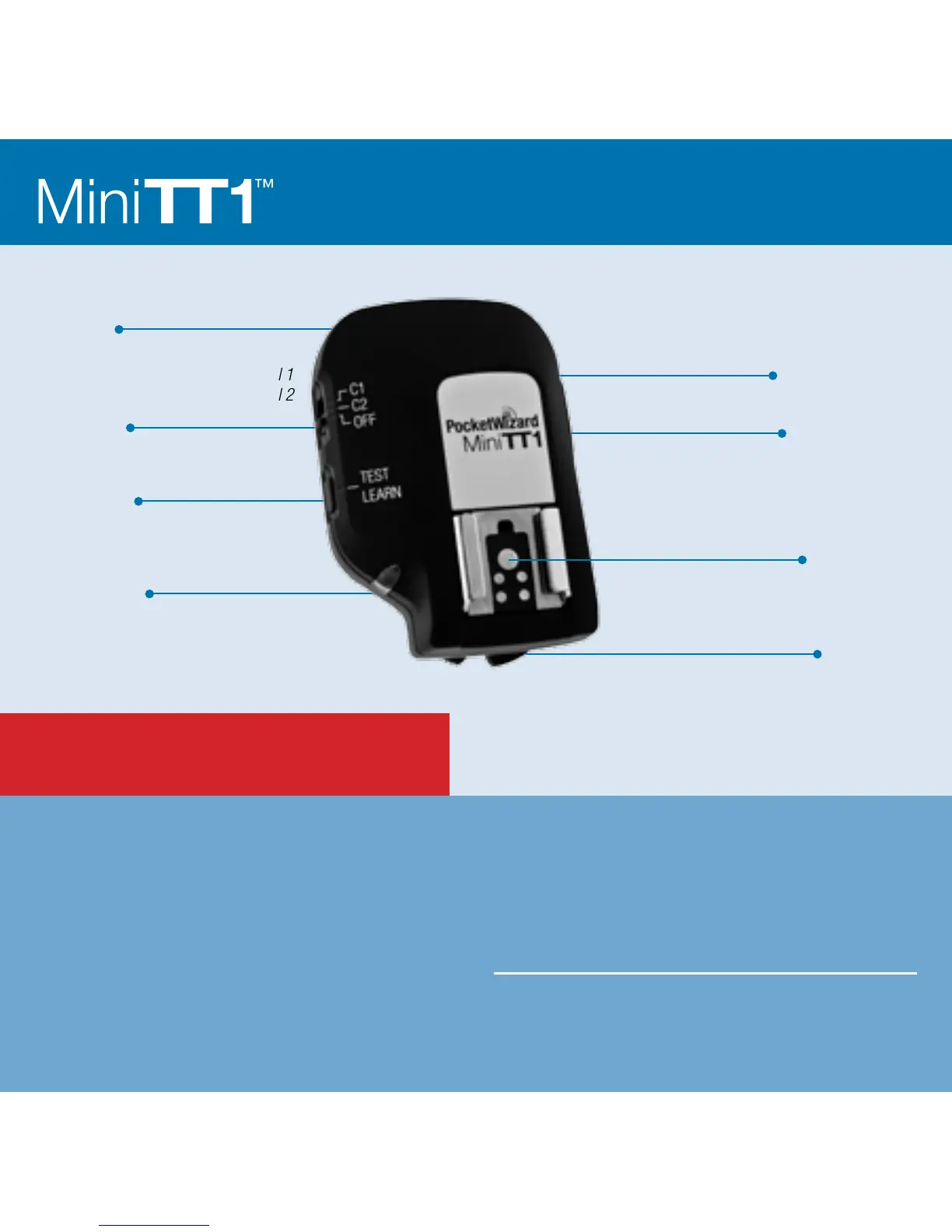
READ ME FIRST:
Locking Ring
Status LED
Configuration/Channel 1
Configuration/Channel 2
Power Off
Internal Antenna
TEST/LEARN Button
Battery Compartment
(on bottom)
USB Connector
Canon-style Hot Shoe



 To Next Page