First exposure after making initial
connections or powering on may not be
properly exposed. First shot is a camera
calibration shot. Always test twice.
Review product manuals for your camera and
flash system. For most basic functions when
using Canon’s system or PocketWizard’s,
operation is identical.
You may use a FlexTT5 as a transmitter
instead of a MiniTT1 in all scenarios.
Make sure all PocketWizard radios are
set to same PocketWizard channel.
PocketWizard channel is used instead
of Canon channel. See LEARN Mode
section.
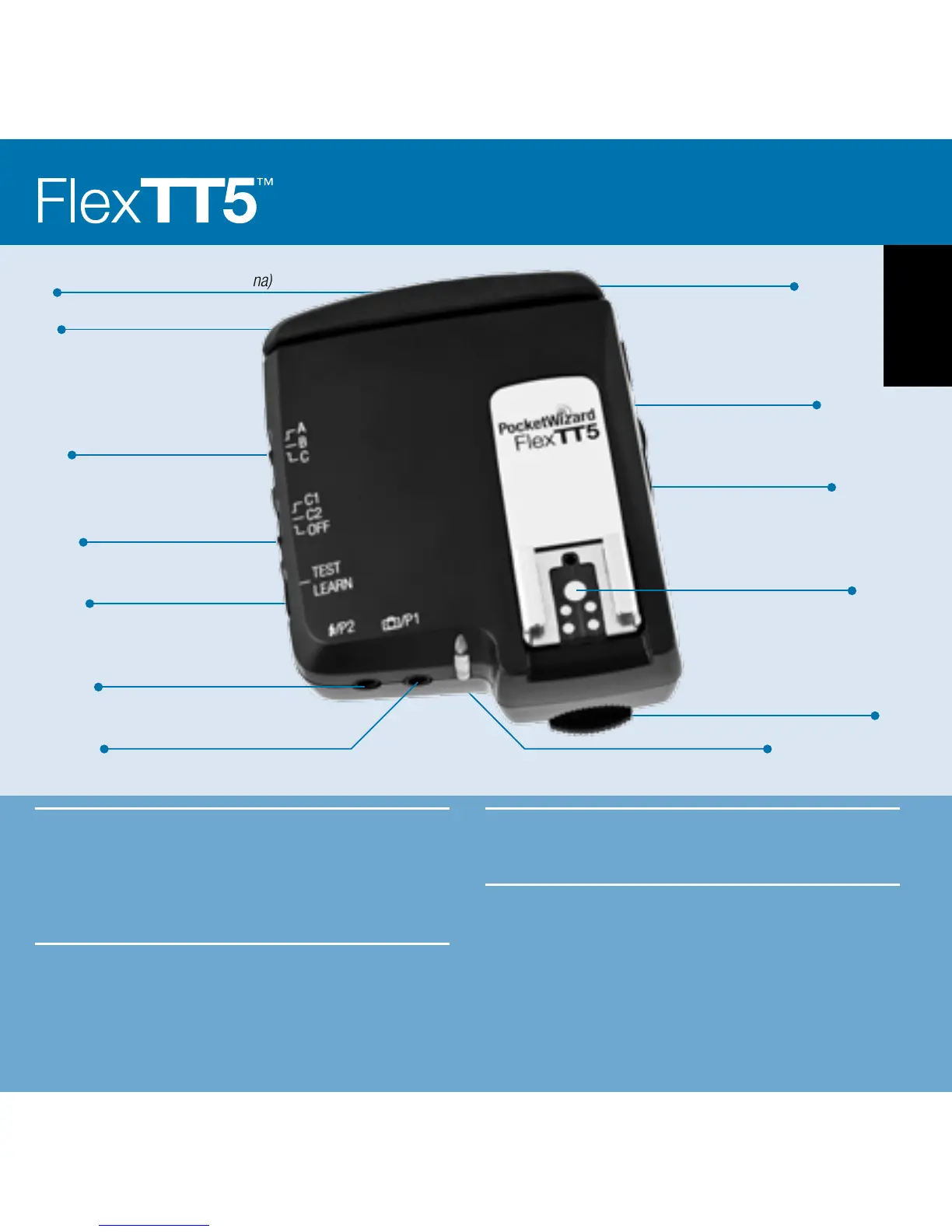
Locking Ring
Configuration/Channel 1
Configuration/Channel 2
Power Off
Batteries
2 AA [IEC:LR6]
TEST/LEARN Button
Adjustable Antenna
Zone Selector
Lanyard Loop
USB Connector (behind antenna)
1/4-20 mount
(on bottom)
Status LED
Remote Flash Triggering
Port
Remote Camera Triggering Port
Canon-style Hot Shoe
English
3



 To Next Page