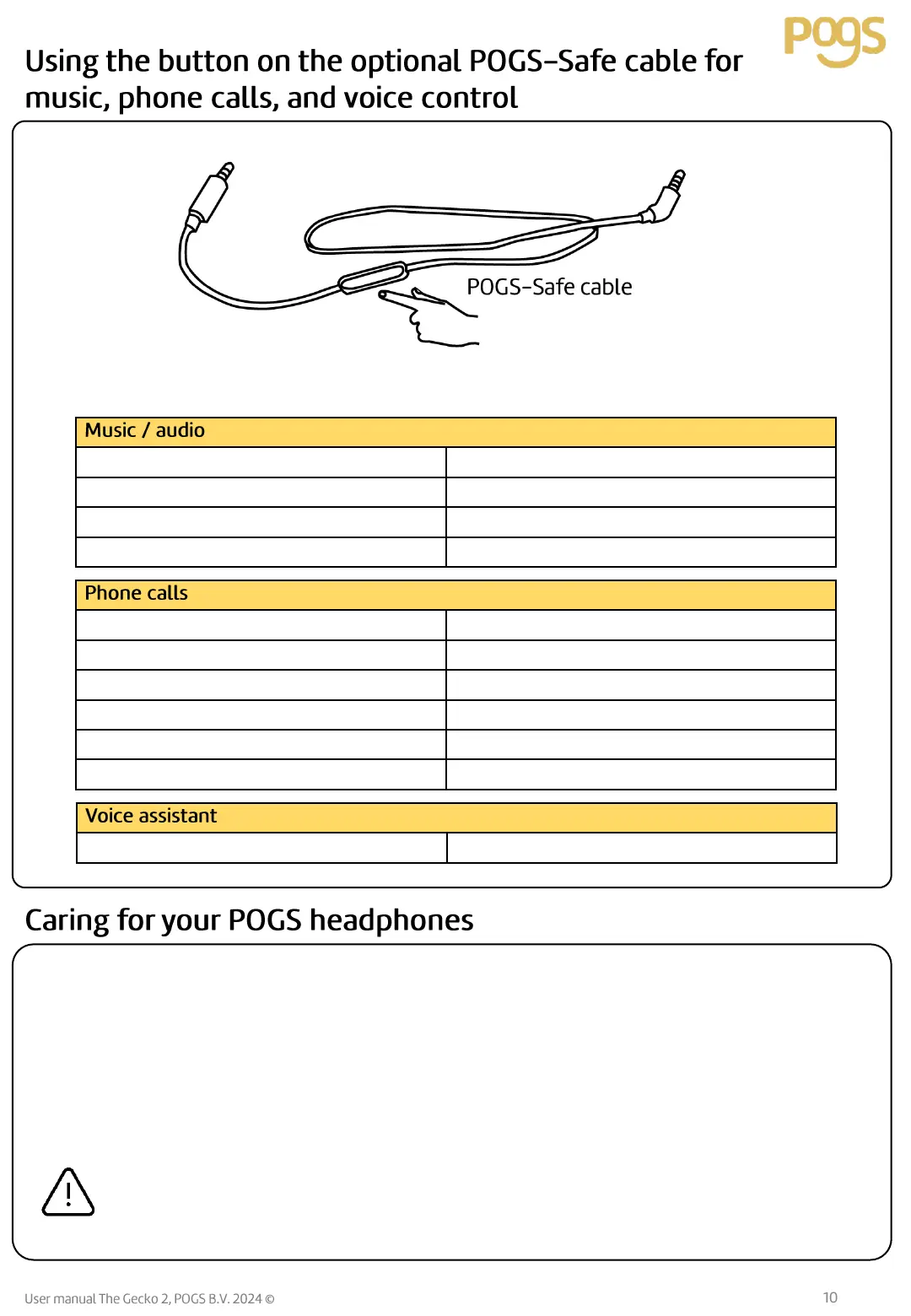
We would love for you to use our products for a long time, and the products have been developed to
withstand rough handling. Proper care can extend the lifetime of your POGS.
• We recommend that you clean the headphones regularly.
• Turn your POGS headphones off and remove all cable connections before you start cleaning.
• You can remove any dust or light dirt with a dry microfiber cloth.
• You can wipe off more stubborn dirt with a cloth which has been slightly dampened with water.
• Then, immediately wipe the damp surfaces off with a soft dry cloth without applying pressure.
Liquid can destroy your POGS headphones’ electronics.
• Make sure that no liquids of any kind penetrate the headphones.
• Do not, in any case, use solvents or abrasive cleaners.


 To Next Page