2D Barcode scanner
2D Scanner is designed at the front end of device, which can interpret
two-dimensional barcodes, which store data in two dimensions,
rather than in just a series of black and white bars. Two-dimensional
code scanning is used to obtain the content and information in QR
Code image via the application of Smartphone Client.
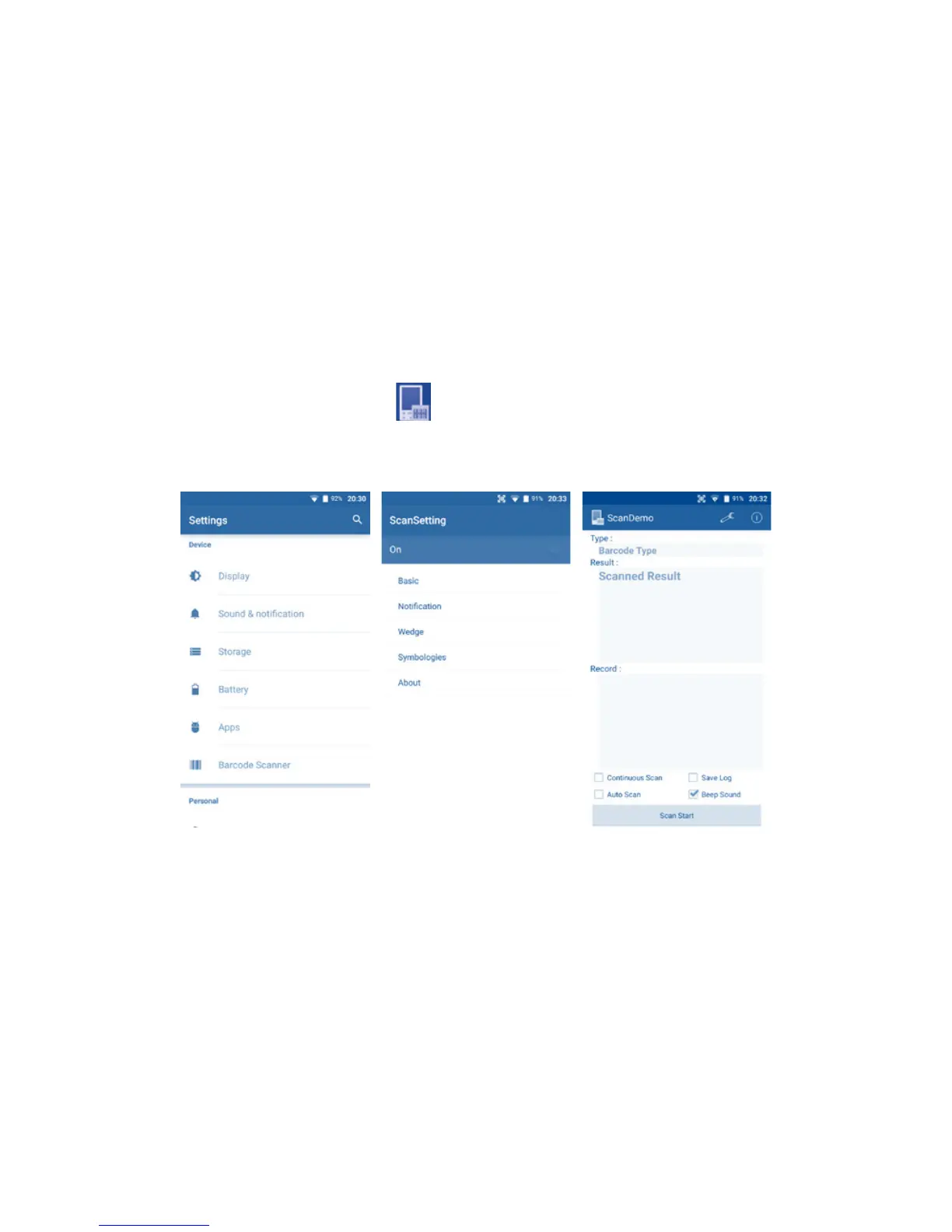
We can enable 2D barcode scanner in [Settings > Barcode Scanner].
If we turn the scanner on, we can see the scanner icon on the
notification bar.
After you enabled the scanner, touch the Demos on the Home
Screen, then touch the , press the Scan Key on both sides
of the device at same time, scan the barcode. You will see the
scanned result.
15
SAM Card ���������������
SamCard is a fantasic visiting card reader with high recognition
accuracy and speed.
Other features:
Anti-shake photo shooting.
Auto-rotate card images.
Shoot both vertically and horizontally.



 To Next Page