PM85 Android 8.1.0 User Manual
81
© 2006 – 2021 POINTMOBILE Co., Ltd. All rights reserved
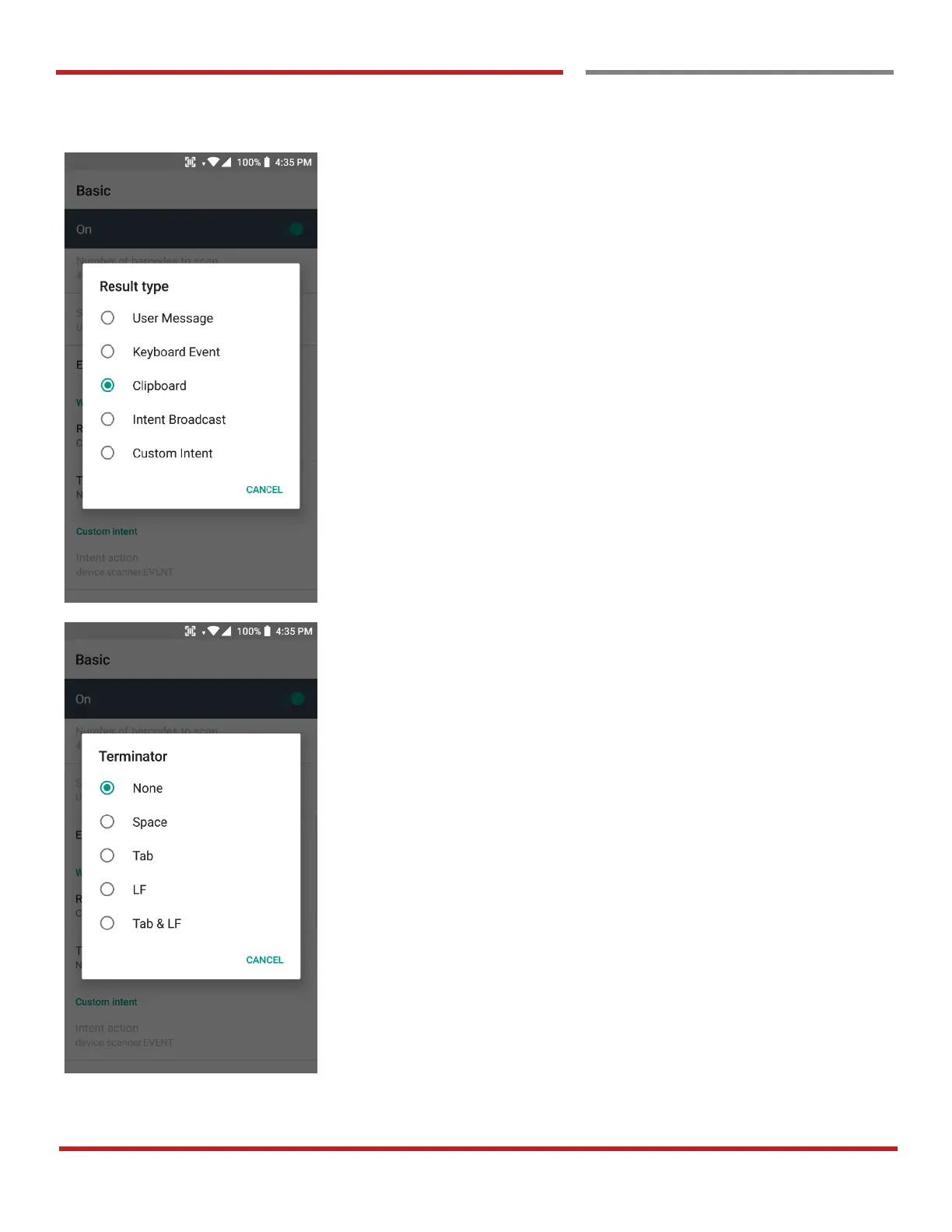
In the Wedge menu you can change, decode scan data’s
result type handling User Message, Keyboard Event,
Clipboard, Intent Broadcast or Custom Intent
Also, you can set Terminator as None, Space, Tab, LF or
Tab & LF



 To Next Page