PM85 Android 8.1.0 User Manual
82
© 2006 – 2021 POINTMOBILE Co., Ltd. All rights reserved
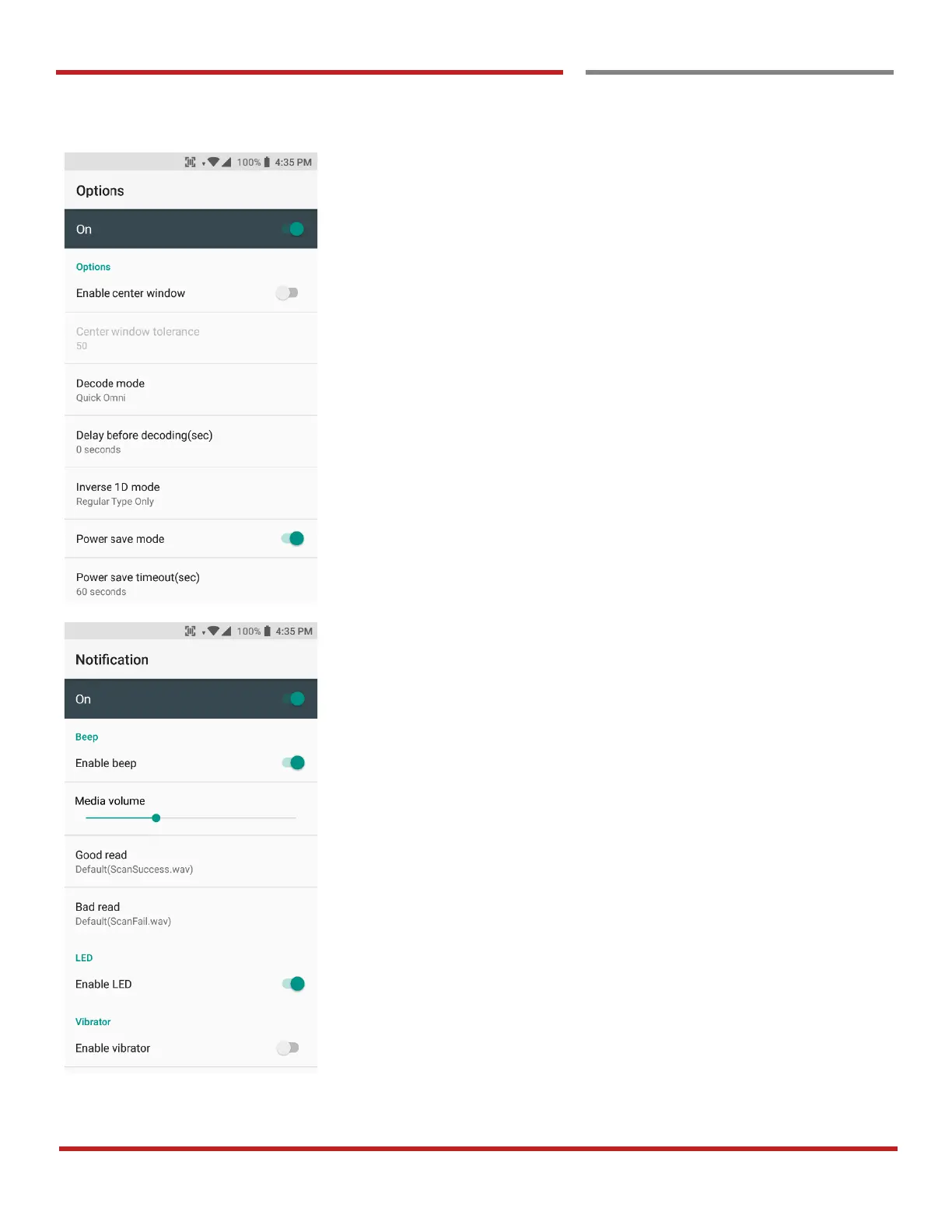
Scanner Settings
In the Options, you can enable/disable the Center
Window, set Decode mode, Power save mode and
enable/disable Aimer & Illumination option
In the Notification, you can change the volume level,
notification sound, LED and vibration option



 To Next Page