24
ADD MARKERS
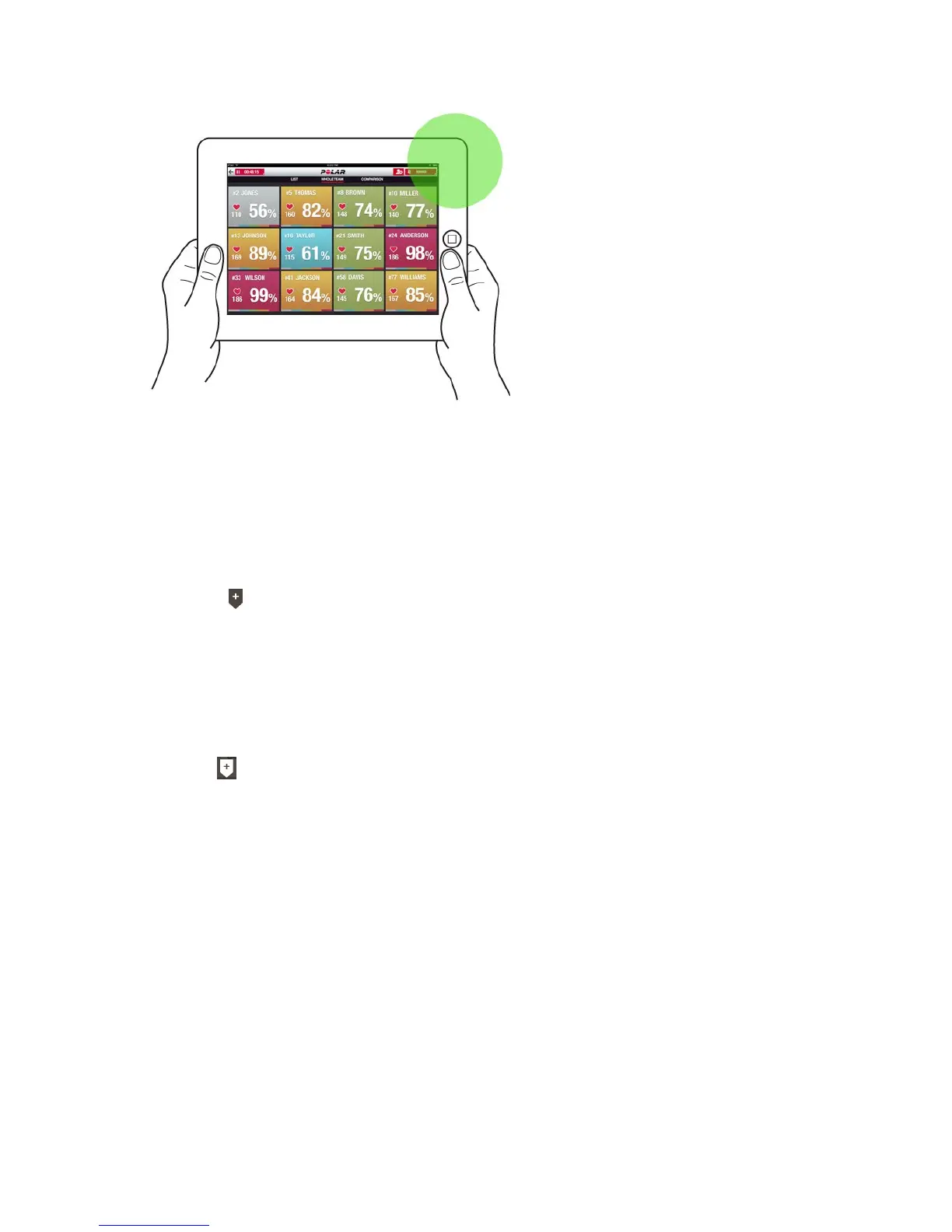
Add markers with notes that you can come back to after training. They can be used to mark the beginning and
end of different phases for example. The markers can be viewed in the Polar Team Pro web service after data
sync.
ADD TEAM MARKER
1.
Tap in the upper right corner of the screen.
2. Add a note to the marker (optional).
3. Tap DONE to close the marker pop up.
ADD PLAYER MARKER
1. Tap a player.
2.
Tap in the pop up.
3. Add a note to the marker (optional).
4. Tap DONE to close the marker pop up.
COMPARE PLAYERS
Have a closer look at certain players during a session by adding them to the comparison view. It allows you to
easily view and compare live data from the chosen players.


 To Next Page