44
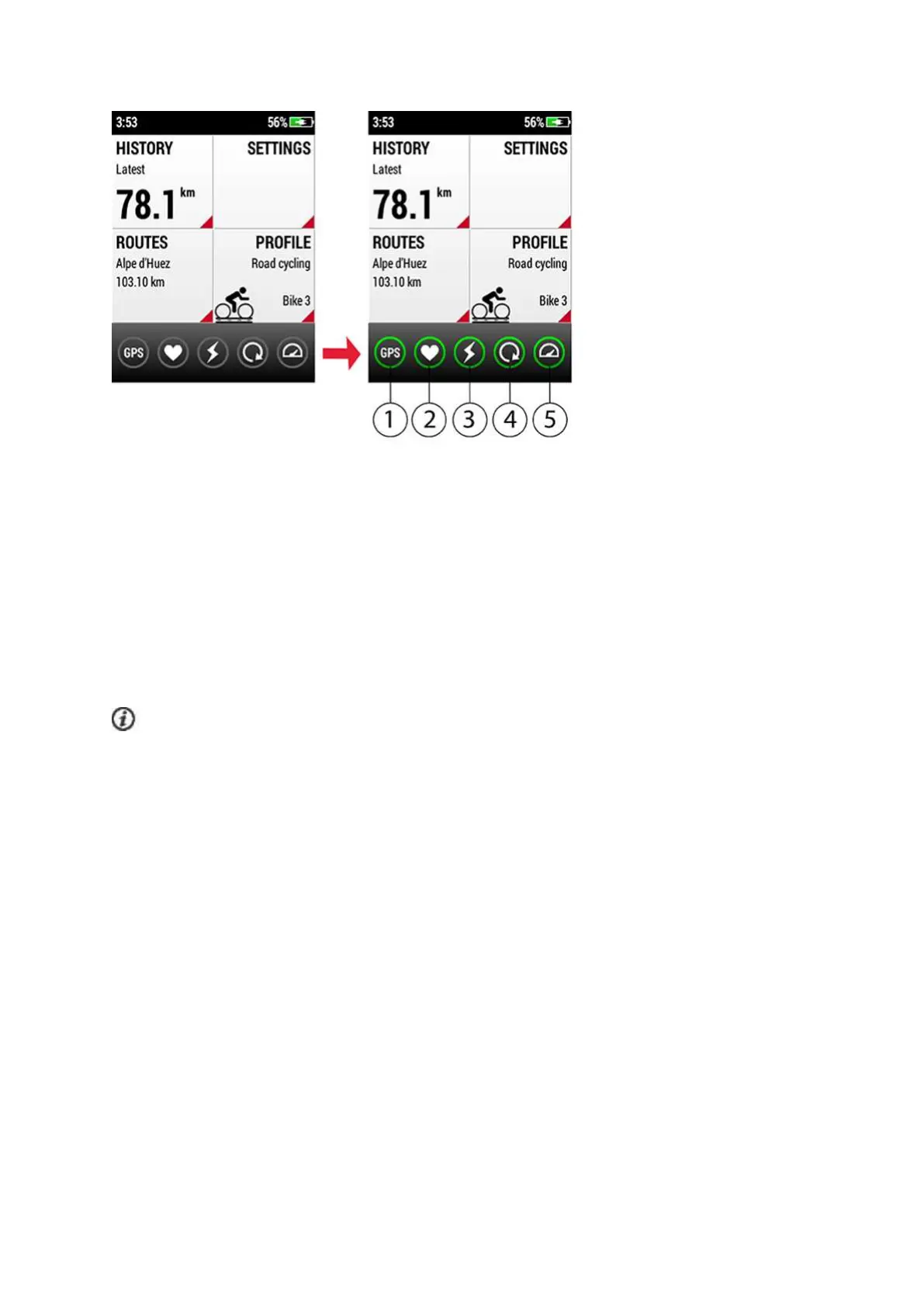
1GPS
2Heart rate sensor
3Power sensor
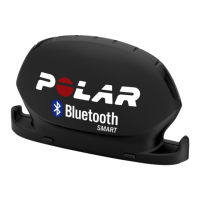
4Cadence sensor
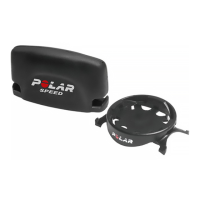
5Speed sensor
After finding the satellites, the V650 calibrates the altitude. Altitude
calibration complete tells you that the calibration is ready. To make sure that the
altitude remains accurate, calibrate your V650 manually whenever a reliable
reference, such as a peak or a topographic map, is available or when at sea level.
To calibrate manually, press the side button and choose Calibrate altitude. Then,
set the altitude of your current location.
Start A Training Session with Route Guidance
Go to ROUTES to see a list of the routes you've added to favorites in the Flow
web service and synced to your V650. Choose the route for your next training
session by tapping on the circle on the left side of the route name. Tapping
on a route tile brings up a preview of the route.


 To Next Page