45
Return to main view by tapping . The chosen route is shown in the ROUTES
tile. Press the front button to begin your ride.
For more information on route guidance, and for instructions on adding
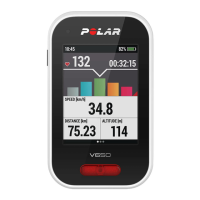
routes to your V650, see Route Guidance.
Button Functions During Training
SIDE BUTTON FUNCTIONS
• Change the training view with a short button press.
• Press and hold to view the side menu, or, when the display is locked,
press and hold to unlock the display.
• Press and hold for eight seconds to turn V650 off.
In heavy rainfall the rain drops may interfere with the touch screen functions. We
recommend locking the display from the side button menu to prevent this.
FRONT BUTTON FUNCTIONS
• Take a lap with a short button press.
The FRONTBUTTON TAKESLAP function must be set on. By default, the
function is on. You can set the function on or off in Settings > Sport
profiles (choose the profile you want to edit to view the settings) .
• To pause training recording, press and hold the front button. To
continue training recording, choose CONTINUE. To stop recording
completely, choose STOP.


 To Next Page