75
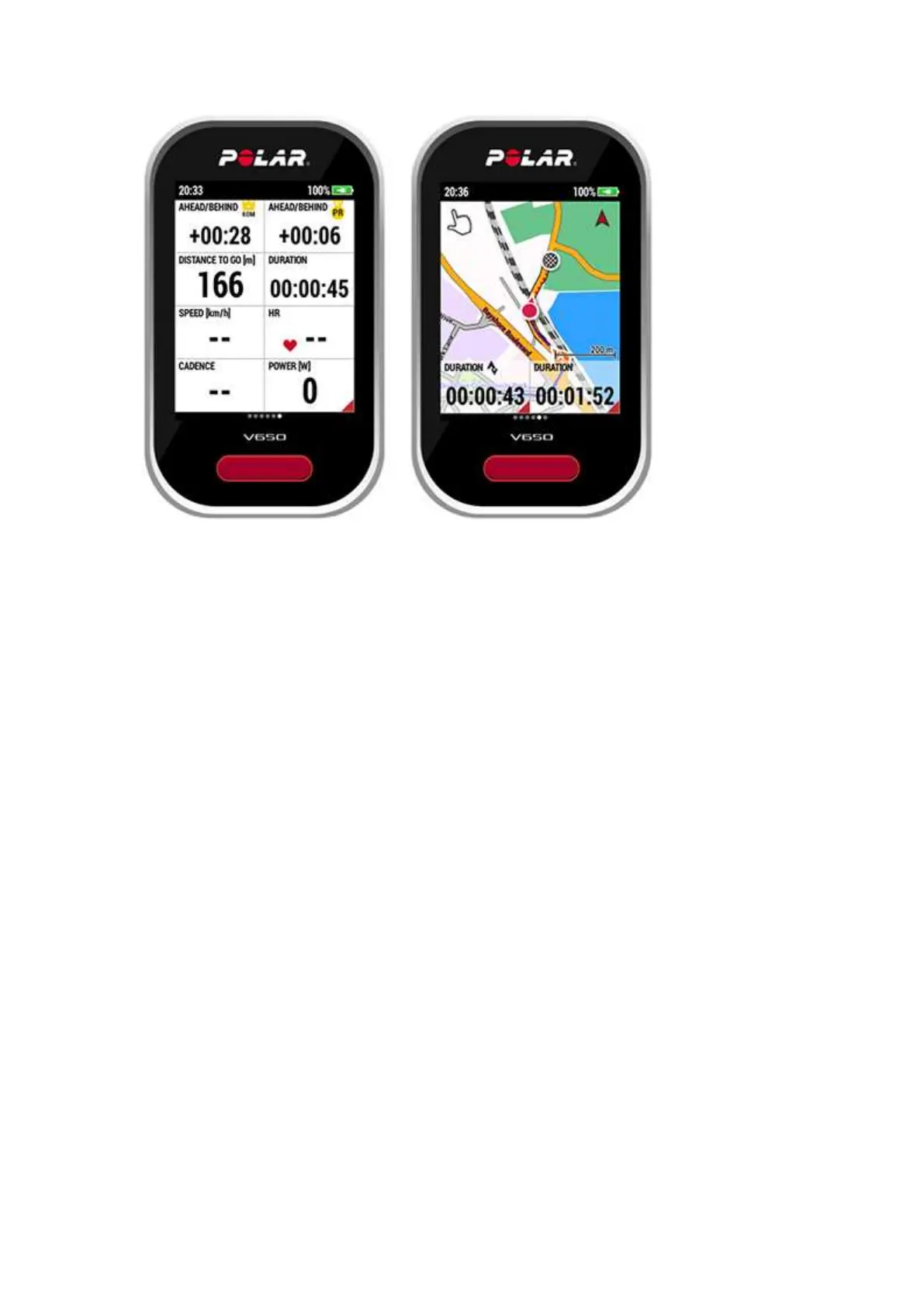
In the map view, tap the data field on the left to toggle between the
following options: AHEAD/BEHIND PR, AHEAD/BEHIND KOM/QOM,
DISTANCE TO GO and DURATION (Total time elapsed during the
segment). Tap the data field on the right to toggle between the following
options: SPEED, DURATION (Total duration of the training session so far),
HEART RATE and POWER.
5After you have completed the segment, V650 displays your segment time,
the time difference between PR and the time difference between
KOM/QOM.


 To Next Page