HARDWARE QUESTIONS
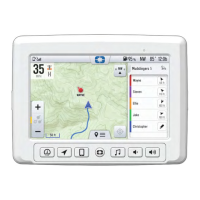
Do I need the 7”
in-vehicle display to
use
RIDE COMMAND+?
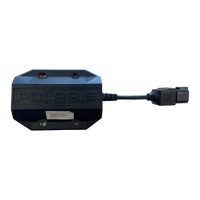
No. RIDE COMMAND+ utilizes the Plug-In and a
compatible mobile device to provide connected data.
No functionality is added to the 7” display at this
time.
Which Plug-In and
Installation Kit do I
buy for my vehicle?
On the Polaris Off-Road Vehicle’s website
(https://offroad.polaris.com/en-us/), under Parts,
Accessories & Garments, you can search for your
vehicle’s accessories by VIN. Upon doing so, the
appropriate RIDE COMMAND+ Plug-In and
Installation Kit will be present if your vehicle is
capable.
What kind of prep
work should I
complete prior to
activating my vehicle
in the Polaris app?
1. Create a free account on the Polaris app or on
the RIDE COMMAND website (ridecommand.
polaris.com).
2. Prep your vehicle by:
• Unloading your vehicle
• Checking your cellular connection. RIDE
COMMAND+ is compatible with most cell phones.
• Moving the vehicle to a location with a strong GPS
signal. An area with strong cellular connection is
typically not under or surrounded by any structure
(specifically metal structure), is in a location where
cell phones work well, is not underground, etc.
Where can I find my
VIN on my vehicle?
On most Polaris RZR and RANGER vehicles, the
VIN can be found in the left-rear wheel well, stamped
into the frame. On most Sportsman ATV’s, the VIN
can be found in a similar location, or in the left-front
wheel well. Refer to your Owner’s Manual for details
on your model.
28
FAQ


 To Next Page