EasyManua.ls Logo

Polaroid 65 Series - Page 80

Polaroid 65 Series
185 pages
Go to English
Print Icon
To Next Page IconTo Next Page
To Previous Page IconTo Previous Page
Loading...
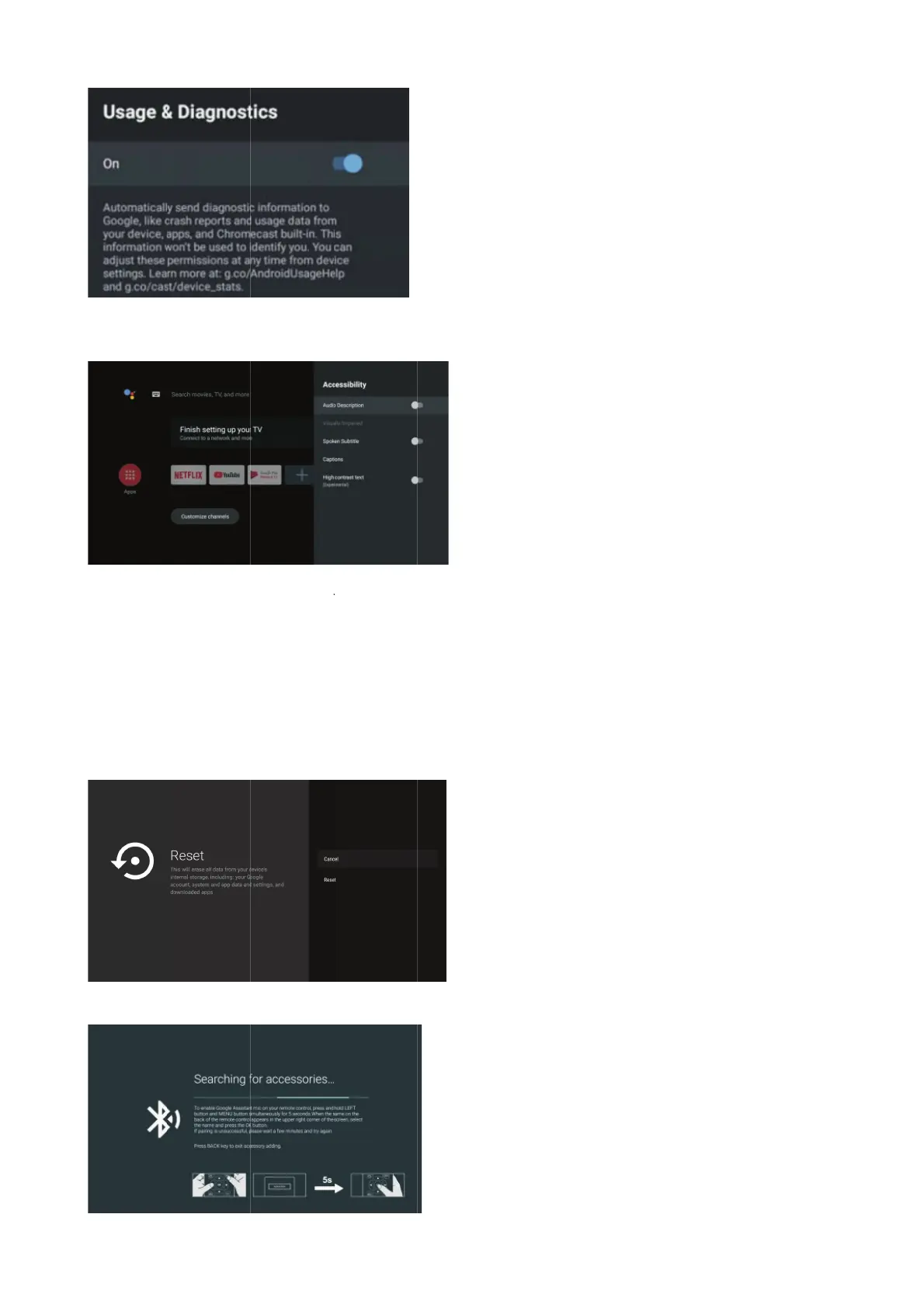
Usage & d
i
A
ccessibil
A
udio Des
c
V
isually I
m
Spoken S
u
Captions:
met hoog
High cont
r
RESET
Press OK b
Reset-Eras
REMOTE &
i
agnostics:
it
y
c
ription: Pr
e
m
paired: Pr
e
u
btitle: Pre
s
Press
b
r
ast text: Pr
e
b
utton to en
t
s
e everythin
g
&
ACCESSO
I
Press
b
e
ss bu
t
e
ss but
t
s
s butt
o
b
utton to se
e
ss bu
t
t
er the sub
-
g
.
I
RES
b
utton to se
t
ton to sele
c
t
on to sele
c
o
n to select
lect the opt
t
ton to sele
c
-
menu
30
e
lect the op
t
c
t the optio
n
c
t the optio
n
the option
t
ion then pr
e
c
t the optio
n
t
ion then pr
e
n
then pres
s
n
then press
t
hen press
O
e
ss OK butt
o
n
then pres
s
e
ss OK butt
o
s
OK button
OK button
t
O
K button t
o
o
n to enter
t
s
OK button
o
n to choo
s
to choose
O
t
o enter th
e
o
choose O
N
t
he sub-me
to choose
O
s
e ON/OFF.
O
N/OFF..
e
sub-men
u
N
/OFF..
nu.Tekst
O
N/OFF..
u
.

Other manuals for Polaroid 65 Series

Related product manuals