USING THE FEATURES
20
Turning the TV On and O
1
After connecting a CATV or antenna to your LCD TV, and turn the POWER SWITCH of rear TV
on, an amber LED light indicates when the LCD TV is activated.
2 Press the POWER button, the LED green light indicates on.
3 Press the POWER button, the LED amber light indicates o .
Select Source
Press the INPUT button to display the selection signal on the screen.
Select TV Channel
1 Press the CH+/- button on the remote control and the CHANNEL ▲/▼ button on the LCD
TV to select channel.
2 Press the 0~9 buttons then press the ENTER button to input the channel No. and enter into
the selection channel No.
3 Press the JUMP button on the remote control to swap the channel between the current
channel No. and the previous channel No.
Adjusting the Volume
Press the VOL +/– button on the remote control or the VOLUME +/- button on the LCD TV to
adjust the volume.
To Mute the Sound
1 Press MUTE and the sound cuts o .
2 To turn mute o , press the MUTE button again, or simply press the VOL +/- buttons.
Sleep Timer
Press the SLEEP button continuously to select the sleep timer or turn the sleep timer from the
OFF,15,30,45,60,90 and 120 minutes; when the LCD TV has been reached the set time, it will
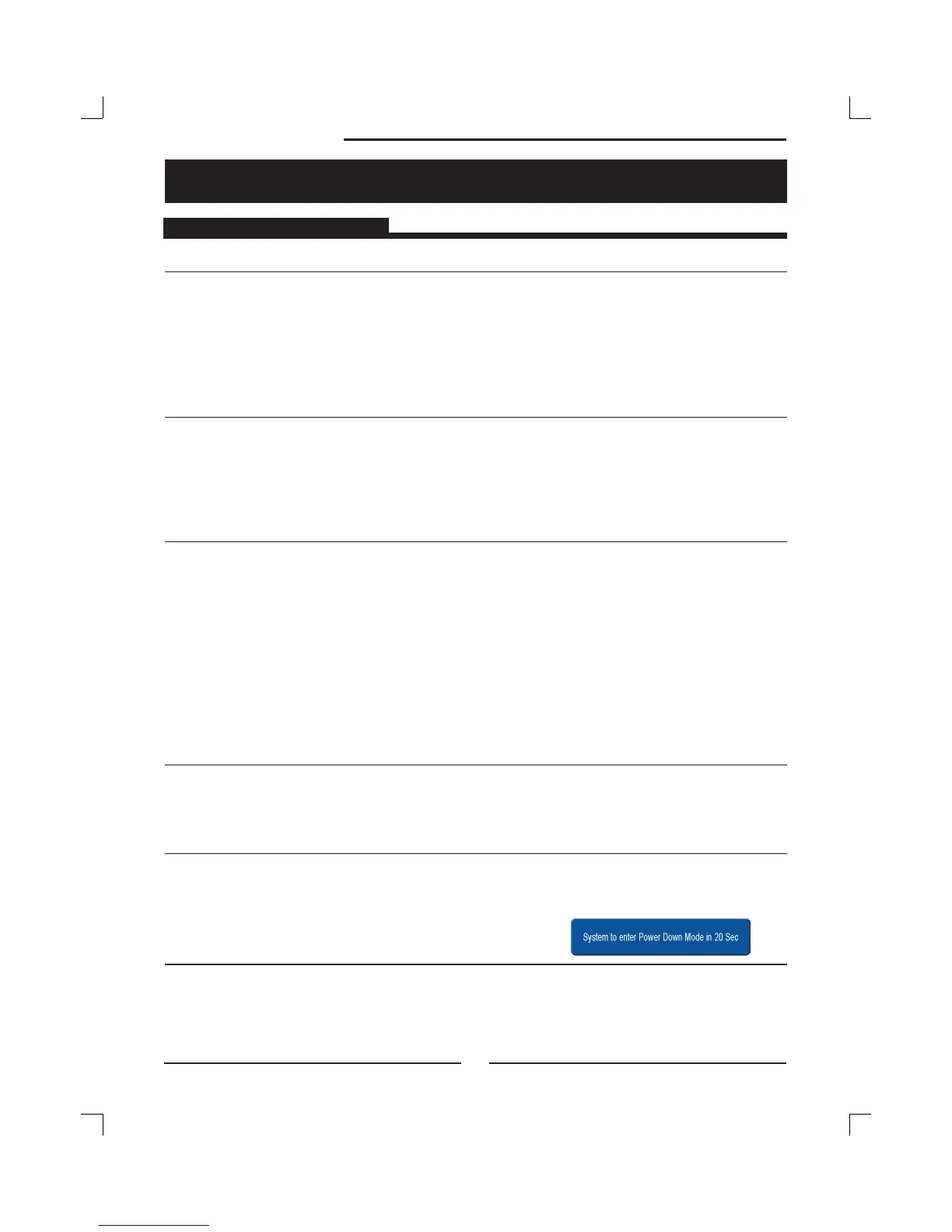
automatically turn o . If the TV has no input signal, the screen will appeared blue screen and
display NO Signal; The TV will automatically change stand by after 15 minutes.
USING THE FEATURES
Basic Operation



 To Next Page
 Loading...










