40
Chapter 3 Using the LCD TV
ENGLISH
41
Chapter 3 Using the LCD TV
CONTENT-BASED
FV D L S V
AGE-BASED
TV-Y
TV-Y7
TV-G
TV-PG
TV-14
TV-MA
: To block programs by both content and age.
The TV GUIDELINE has 2 rating methods: Content-Based Rating and Age-Based Rating.
The
TV GUIDELINE includes the following options:
Use the ▲▼ buttons to select the rating you want and press the OK button repeatedly to select
BLOCK() or UNBLOCK().
The V-CHIP menu includes the following options:
Block MPAA Rating Selects to activate the MPAA Rating programs
Block TV Rating Selects to activate the TV Rating programs.
Block MPAA Unrated ▪ YES:
Block all movies that are broadcast without a MPAA rating.
▪ NO:
Allows all movies that are broadcast without a MPAA rating
Block TV None Rating ▪ YES:
Block all movies that are broadcast without a TV rating.
▪ NO:
Allows all movies that are broadcast without a TV rating.
AGE-BASED
RATING DESCRIPTION
TV-Y All children
TV-Y7 Directed to children age 7 and older
TV-G General Audience
TV-PG Parental Guidance suggested
TV-14 Parents strongly cautioned
TV-MA Mature Audience only
CONTENT-BASED
RATING DESCRIPTION
FV Fantasy violence
D Suggestive dialogue
L Strong language
S Sexual situations
V Violence
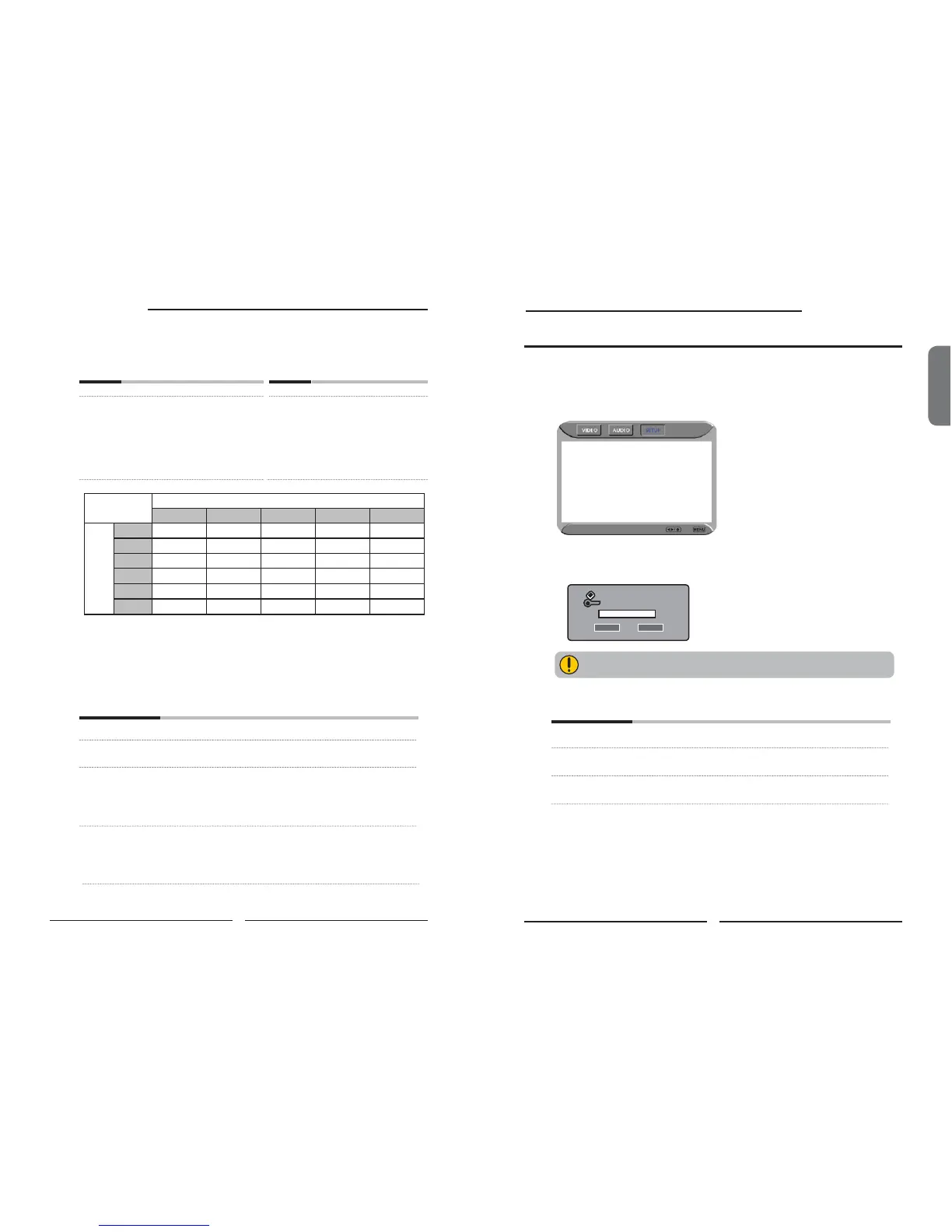
The Parental blocking can be set up to the TV to block a Channel or a Video Source.
Use the ▼ button to select the Parental, and press the OK to display the Parental
menu.
Using the Parental Settings
Setup Select Exit
Channel Lock 1
Video Lock VIDEO5(YPbPr2)
Change Password
Use the V-CHIP function, must enter a four-digit password. The factory password is
0000.
You need your password for any future access into the V-Chip and
Parental Setting,
The Parental menu includes the following options:
Channel Lock Selects to block a TV channel.
Video Lock Selects to block a Input source signal.
Change Password Selects to change your password.
Inout Your Password Please
* * * *
OK Cancel



 To Next Page
 Loading...











