82
Polaroid i1037 Digital Camera User Guide
www.polaroid.com
LCD display.
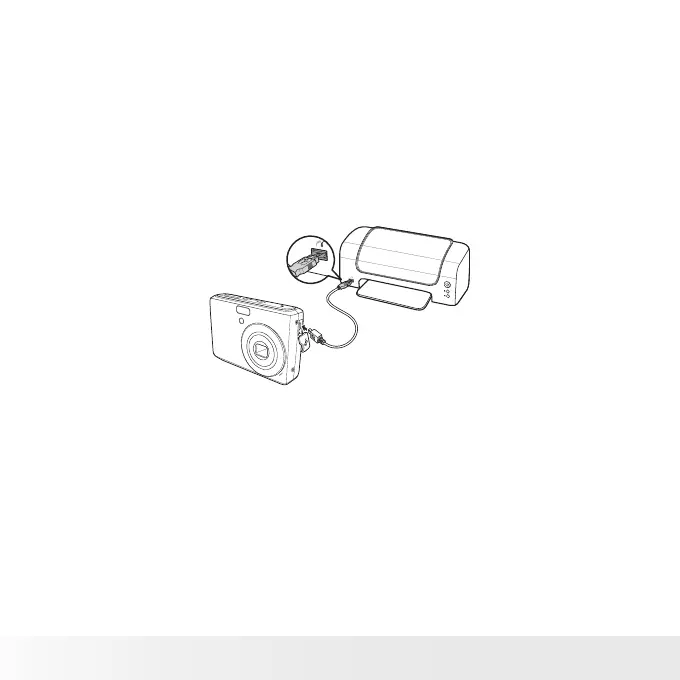
• Connecting the Camera to a Printer
You You can print your photos directly
using a PictBridge compatible printer.
1. Turn on your camera.
2. Set PictBridge settings.
3. Connect the camera to the printer using
the USB cable.
For more details on how to print photos, see “PictBridge” on page 71.



 To Next Page
 Loading...









