65
Polaroid i533 Digital Camera User Guide
www.polaroid.com
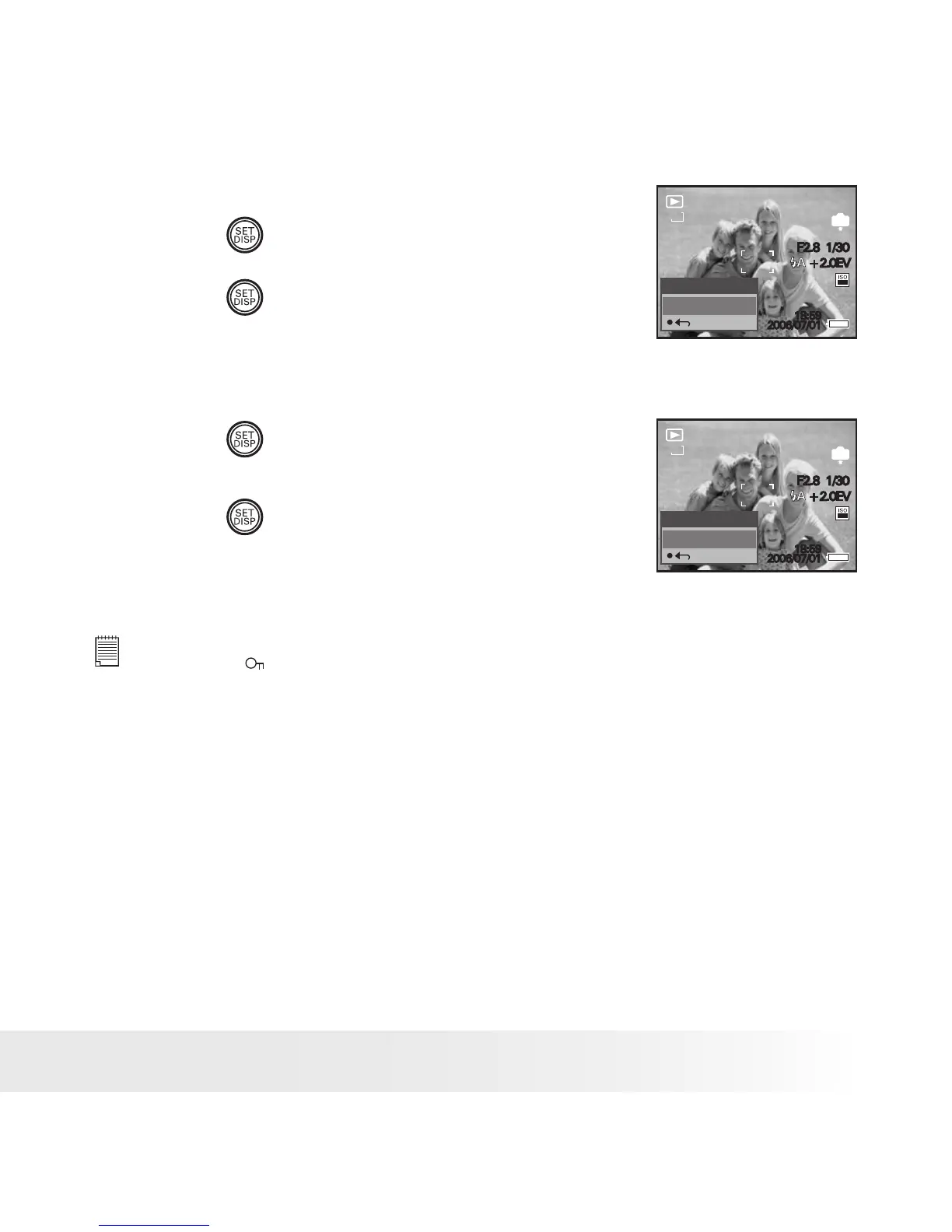
Protect All pictures, Video and Audio Clips
5. Press the
button.
5/150
IN
2006/07/01
18:59
5M
F2.8 1/30
+2.0EV
100
Lock all?
Yes
6. Press the
button.
Remove Protection from All Pictures, Video and Audio Clips
5. Press the
button.
6. Press the
button.
5/150
IN
2006/07/01
18:59
5M
F2.8 1/30
+2.0EV
100
Unlock all?
Yes
NOTE:
• The icon
appears on the LCD screen when you review the protected les.
• Protected les cannot be deleted. Remove protection before deleting.
• Formatting the internal memory or a SD card deletes all les, including the
protected les.



 To Next Page
 Loading...