ENGLISH
35
Chapter 3 Using the OSD Features
Press the button to turn the LCD TV on.
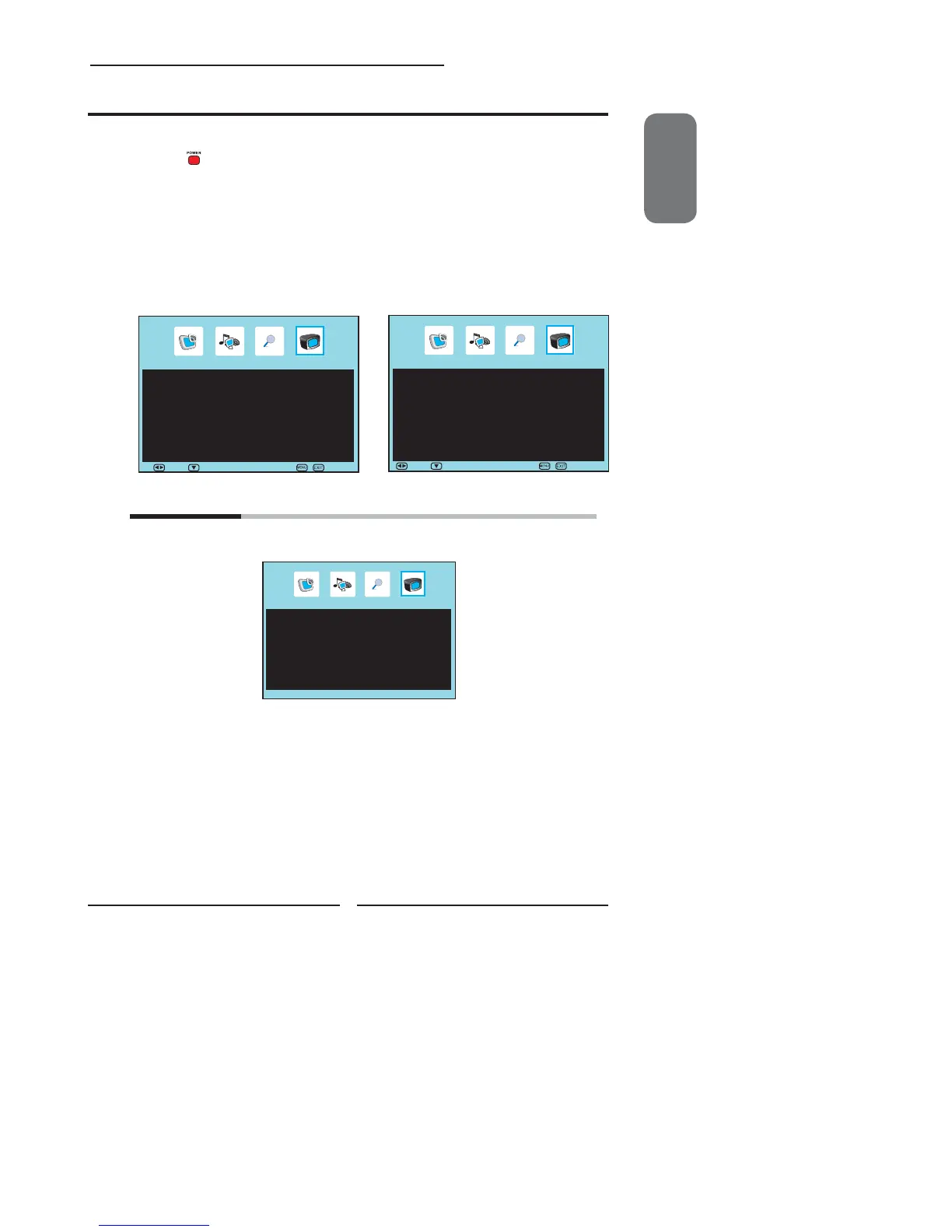
Press the MENU button on the remote control to display the Main menu, and use the
◄► buttons to select the TV Setup.
Use the ▲▼ buttons to highlight an individual TV Setup option, use the ◄► buttons
to change the settings, and press the MENU exits the menu.
The TV Setup menu includes the following options:
APS
Press the OK button to display the Start APS menu:
Customizing the TV Settings
C
TV Setup
Country ◄ UK ►
APS
Press the ◄► buttons to select the country.
Country: Allows you select the country: UK, Ireland, Denmark,
Finland, Italy, Norway, Spain, Sweden, Luxemburg, France,
Czech., Poland, Hungary, Austria, Germany, Switzerland, Belgium,
Netherlands, other.
Press the ▲▼ buttons to select APS,Then select “YES” to start
auto search and auto sort process.
▪ If the signal source is TV, the TV Setup Menu appears
as:
▪ If the signal source is DTV, the TV Setup Menu
appears: For more information on DTV Services,
please see the “Using the DTV Features” section.
C
DTV Services
Channel List ►
Configuration ►
Parental ►
EPG ►
Move Select Exit
C
TV Setup
APS ►
Fine Tune ◄ 0 ►
Add / Erase ◄ Add ►
Channel Name ◄ ►
Channel Swap 3 ► 3
Manual Search ►
Channel Reset ►
Move Select Exit


 To Next Page
 Loading...