35
Polaroid PDC 5055 Digital Camera User Guide
www.polaroid-digital.com
4 Recording Video Clips
• Recording Video Clips
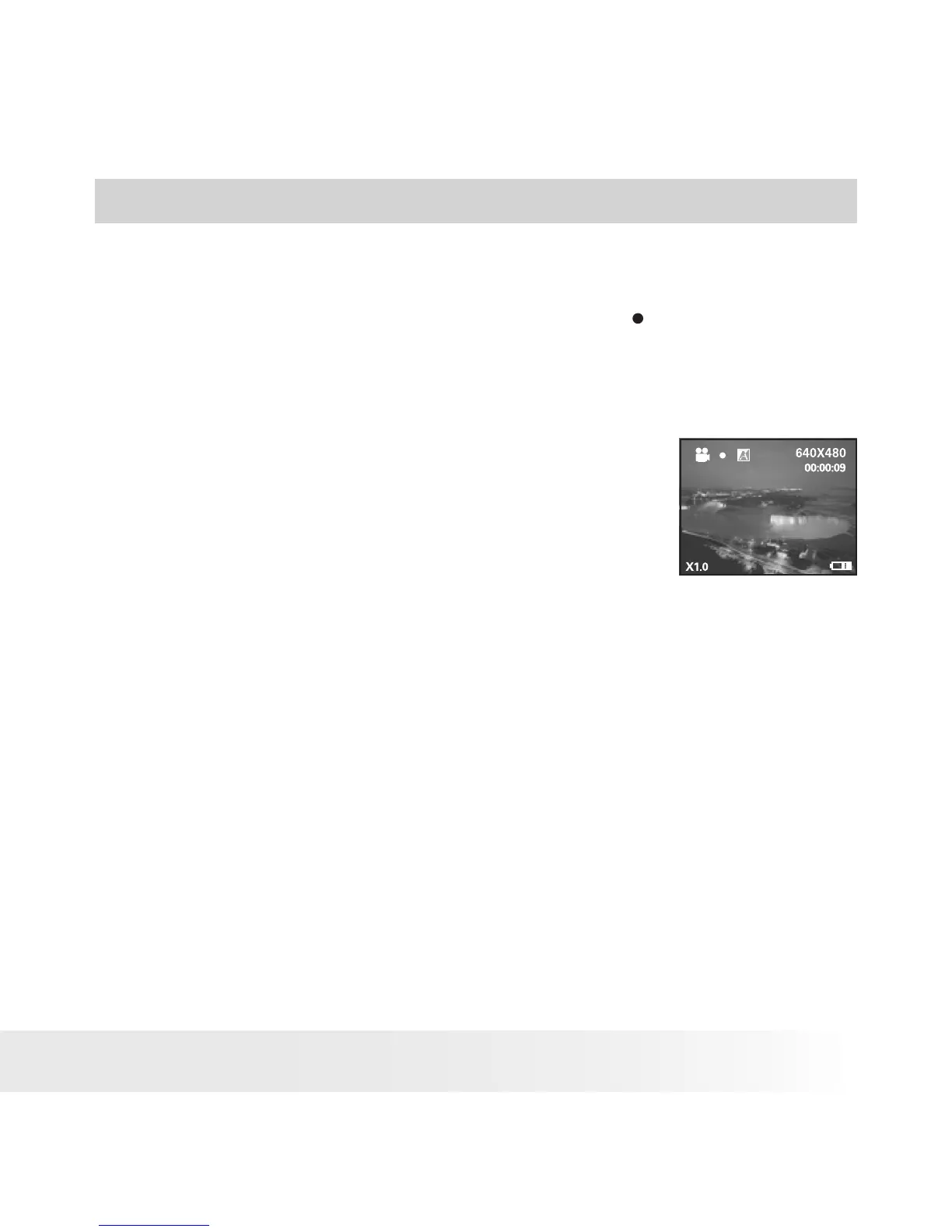
Use the Video mode to record video clips with audio. The recording time
displayed on the LCD screen will decrease and the
icon will blink while
recording.
1. Turn on the camera.
2. Set the camera to Video mode.
3. Frame your subject using the LCD screen.
4. Press the Shutter button completely down to
start recording.
5. Press the Shutter button again to stop
recording, or recording stops when the current
memory is full.



 To Next Page
 Loading...







