4 Recording Audio and Video Clips
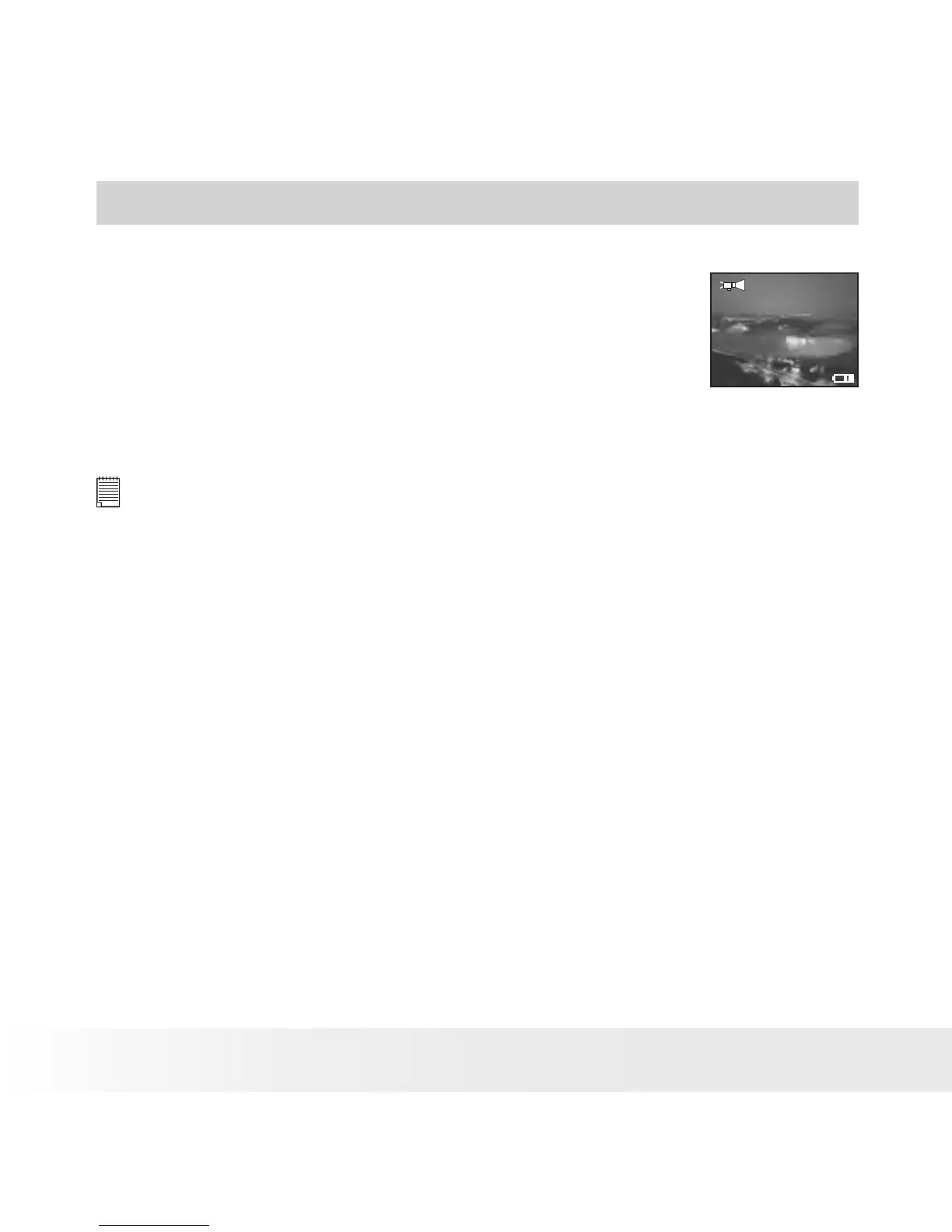
• Recording Audio Clips
1. Turn on the camera.
2. Set the camera to Audio mode.
3. Press the Shutter button completely down to
start recording.
00:00:30
4. Press the Shutter button again to stop
recording, or recording stops when the current
memory is full.
NOTE:
Change the drive mode from Still Image mode to audio mode before recording
audio clips, since Still Image mode is the default capture mode. For more
details, please refer to “Drive Mode” on page 16.


 To Next Page
 Loading...