• Zoom in and out
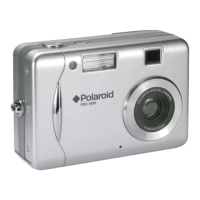
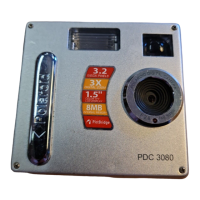
The PDC 3080 camera is designed with a 3X digital zoom feature. This
feature lets you zoom in the central area of an image and photograph only
the enlarged portion of the picture.
1. Turn on the camera.
2. Set the camera to Still Image mode.
3. Press the Zoom In button to zoom in
the subject image. Press the Zoom Out
button to return to the normal size.
NOTE:
This feature is available in Capture and Playback mode.


 To Next Page
 Loading...