9
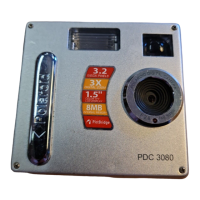
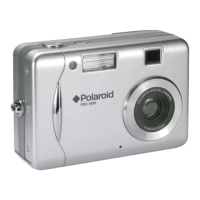
Polaroid PDC 3080 Digital Camera User Guide
www.polaroid-digital.com
• Attaching the Hand Strap
• Installing the Batteries
Four AAA-size batteries are supplied with the product. For more guidelines
on battery usage, please see Using Your Batteries on page 87.
1. To open the battery door, slide the button in the direction as shown to
release.
2. Insert the batteries as shown, ensuring you follow the + / - signs
correctly.
3. Close the battery door.


 To Next Page
 Loading...