10
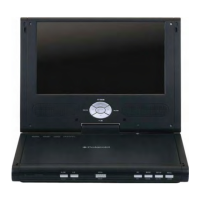
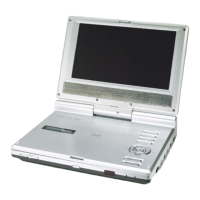
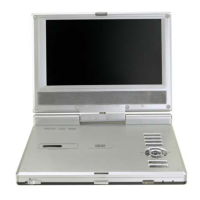
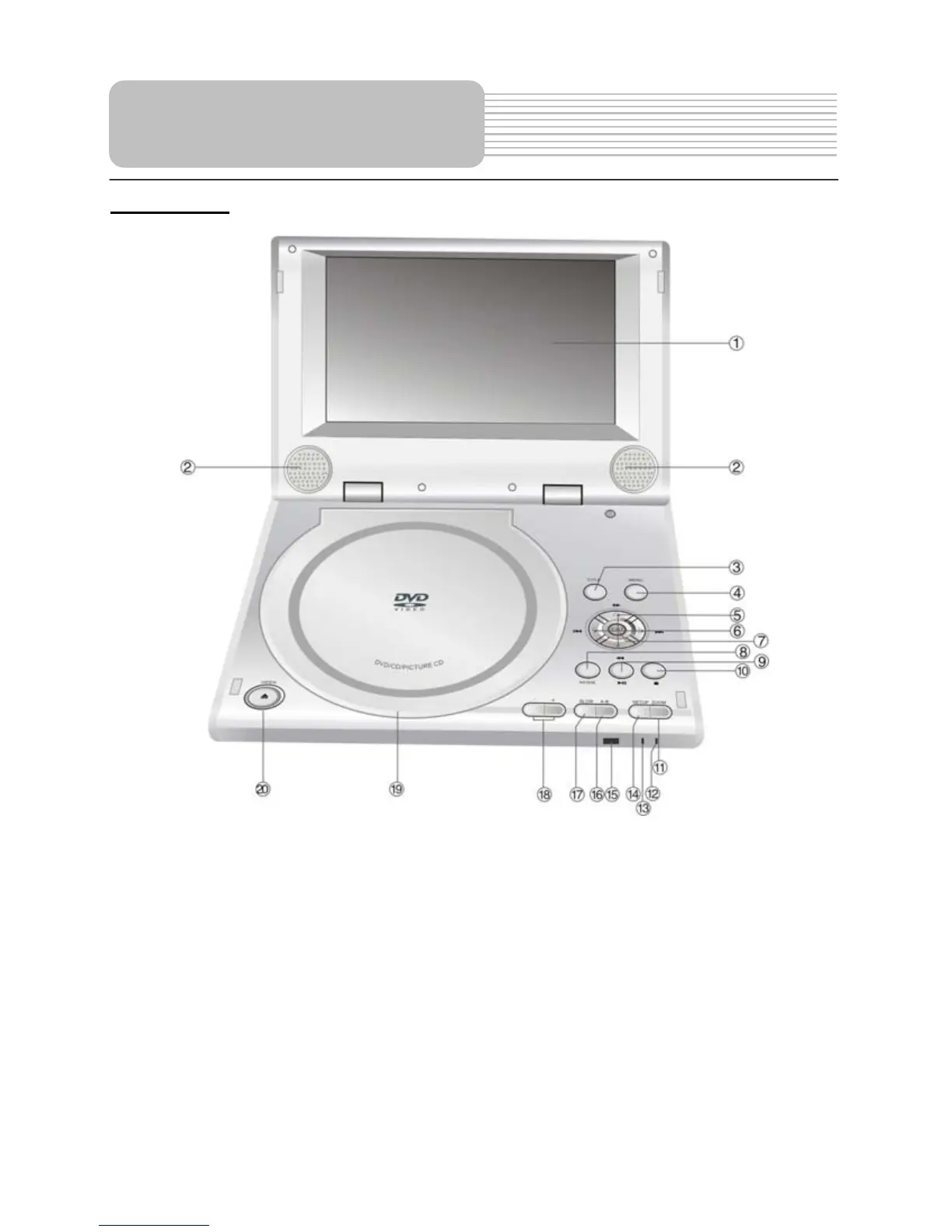
Front View
1. TFT LCD
7” color TFT screen presents a high resolution picture.
2. Speakers
Two speakers output high quality stereo sound.
3. TITLE button
Press to display the disc title menu if the titles are coded in the disc.
4. MENU button
Press to enter to the disc menu.
5. /,/ buttons
/: Press the direction buttons to select items.
/: Press to fast search backward and forward during disc playback.
View of Unit


 To Next Page
 Loading...