Re-Pairing the Earbuds
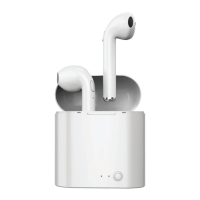
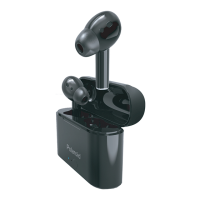
The PTWS21 earbuds should pair to each other automatically when powered ON.
If the earbuds come un-paired from each other, or only one earbud pairs to your
device, try following these instructions to re-pair:
1. Go to your device’s Bluetooth settings and find the earbuds on the list of
Bluetooth devices. Tap to manually “Forget” the earbud(s), then turn your
device’s Bluetooth OFF.
2. Place the earbuds in their case to power them OFF, then remove them to power
them ON again.
3. After a moment, the earbuds should automatically re-pair to each other. A voice
will be heard indicating that they have paired to each other.
4. Once re-paired, you can now pair the earbuds to your mobile device. Turn your
device’s Bluetooth back on again. Follow the instructions in the Bluetooth
Pairing section of this manual to try pairing again.


 To Next Page