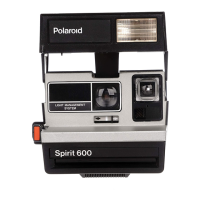
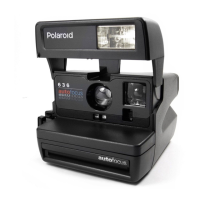
Fuzzy pictures can be caused by . , .
Moving the camera during pic-
ture taking.lt is important to hold
the camera steady until the film
is ejected from the camera.
2 Shooting through glass. The
glass will block the sound waves
from reaching your subject and
the lens will locus on the glass.
Set the lens manually (see
page 28).
3 The sound waves striking a fore-
ground object and not reaching
your subject. As you press the
shutter button, the sound waves
travel
to the central part 01the
scene (see page 3). Be sure they
have a clear path to your subject.
4 Taking a picture in dim light.
When the red light appears in
the right side of the viewfinder,
remember to use flash or take a
time exposure (see page 15).
5 Your subject moving during
picture taking. You'II get the best
action pictures wh en your sub-
ject is moving toward you, rather
than across the picture.
6 Shooting at an angle toward a
smooth, fiat surface. The sound
waves have reflected away from
the camera. Set the lens man-
ually (see page 28)
34


 To Next Page
 Loading...