2 Introduction
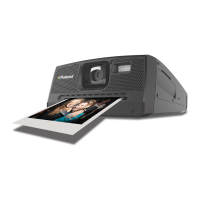
Thank you for selecting the new Polaroid t1234 digital camera for your
imaging needs. Incorporated with Polaroid’s sophisticated technology,
your exquisitely compact camera will offer a powerful range of high-end,
easy-to-use functions. It will allow you to capture those special occasions
with life-like clarity and beautiful color renditions. This manual provides
step-by-step instructions on how to use your camera, and is intended for
your reference only.
• System Requirements
In order to get the most out of your camera, your computer must meet the
following system requirements:
For Windows:
• Windows 98SE/2000/XP/ME/Vista
• Processor: Pentium II 450MHz or above
• Memory: 512MB or above
• HDD space: 200 MB or above
• 16bit color display monitor
• Microsoft DirectX 9.0C
• USB port and CD-ROM drive
For Macintosh
• Power Mac G3 or later
• Mac OS 10.0-10.4
• Memory: 64MB or above
• HDD space: 110MB or above
• USB port and CD-ROM drive



 To Next Page
 Loading...