HOW
TO
CONNECT YOUR
BAR
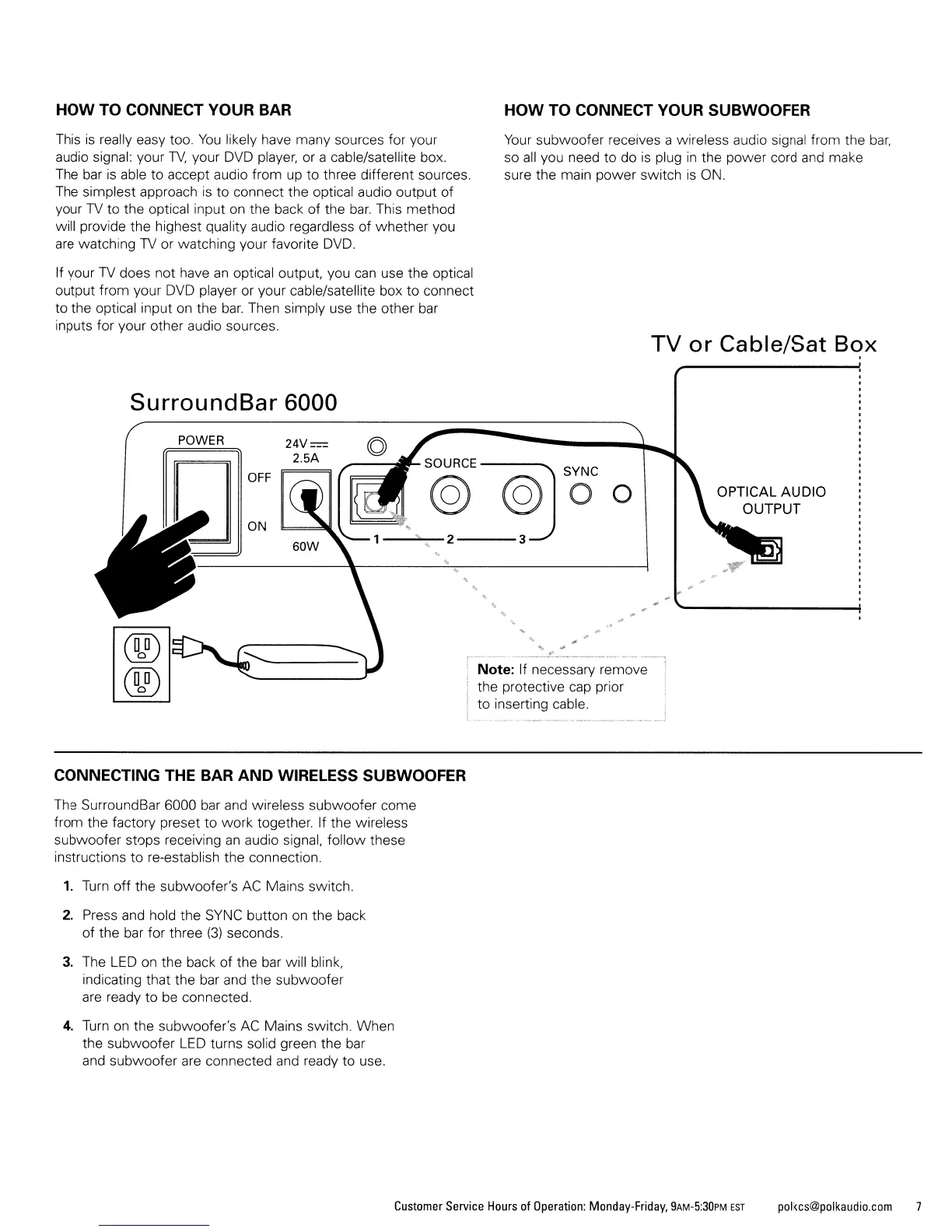
This
is
really easy too.
You
likely have many sources for your
audio signal: your
TV.
your DVD player, or a cable/satellite box.
The
bar
is
able to accept audio from up to three different sources.
The simplest approach
is
to connect the optical audio output of
your
TV
to the optical input on the back of the
bar.
This method
will provide the highest quality audio regardless of whether you
are
watching
TV
or watching your favorite
DVD.
If your
TV
does not have
an
optical output, you
can
use the optical
output from your
DVD
player or your cable/satellite box to connect
to the optical input on the
bar.
Then simply use the other bar
inputs for your other audio sources.
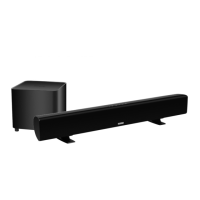
SurroundBar 6000
POWER
CONNECTING THE
BAR
AND
WIRELESS SUBWOOFER
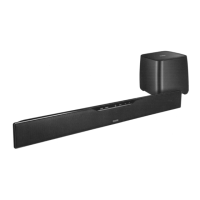
The SurroundBar 6000 bar and wireless subwoofer come
from the factory preset to work together. If the wireless
subwoofer stops receiving
an
audio signal, follow these
instructions to re-establish the connection.
1.
Turn
off
the subwoofer's
AC
Mains switch.
2. Press and hold the
SYNC
button on the back
of the bar for three
(3)
seconds.
3.
The
LED
on the back
of
the
bar
will blink,
indicating that the bar and the subwoofer
are
ready to
be
connected.
4.
Turn
on
the subwoofer's
AC
Mains switch. When
the subwoofer
LED
turns solid green the bar
and subwoofer
are
connected and ready to use.
HOW
TO
CONNECT YOUR SUBWOOFER
Your
subwoofer receives a wireless audio signal from the
bar,
so
all
you need to do
is
plug
in
the power cord and make
sure the main power switch
is
ON.
TV
or Cable/Sat Box
.
OPTICAL AUDIO
OUTPUT
Note: If necessary remove
the protective
cap
prior
to inserting cable.
Customer
Service
Hours
of
Operation:
Monday-Friday,
9AM-5:30PM
EST
polkcs@polkaudio.com
7







 To Next Page