3
4
1 2
e _
...
I I
polkaudio
o
poIkaudio'
5
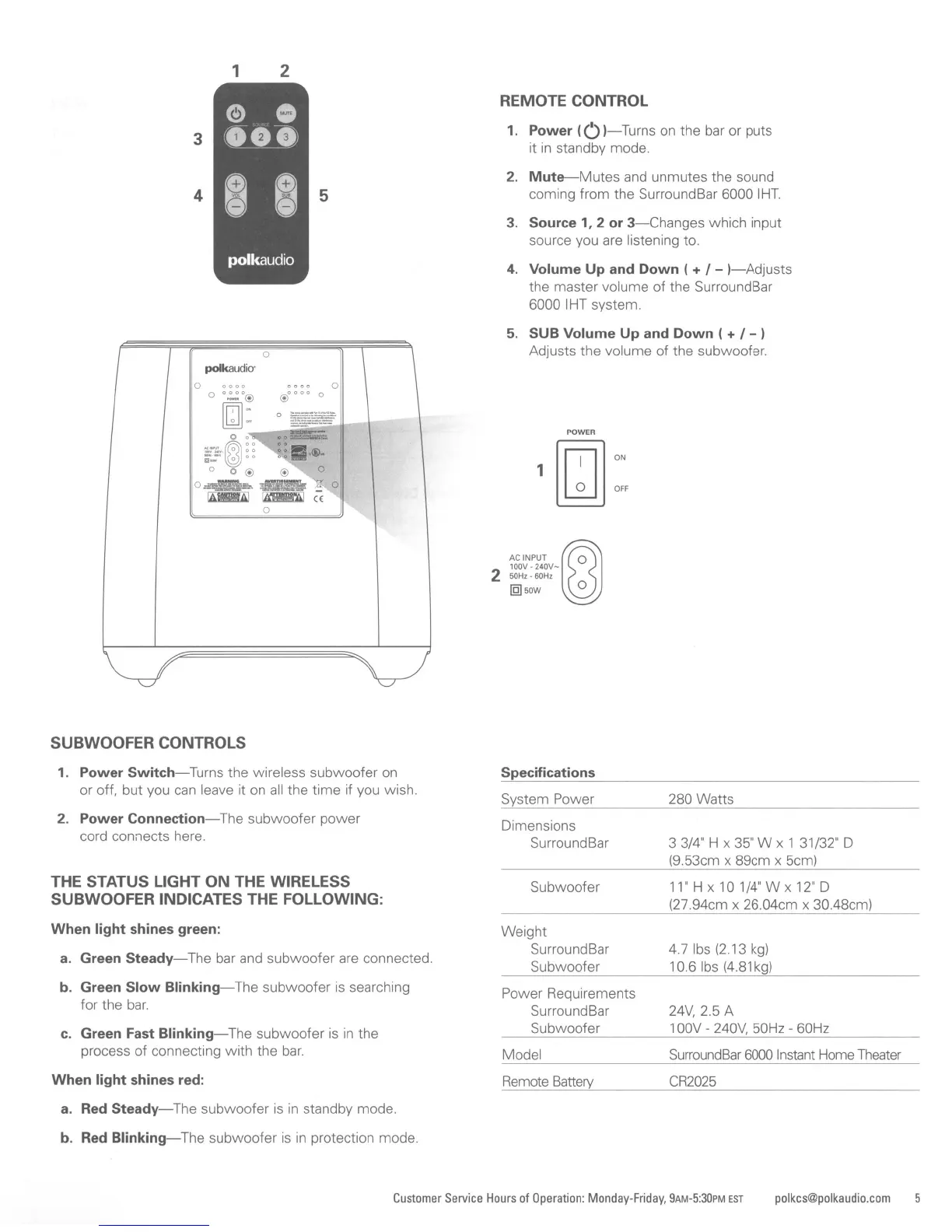
REMOTE CONTROL
1.
Power
(0
I-Turns
on
the bar or puts
it
in
standby mode.
2.
Mute-Mutes
and unmutes the sound
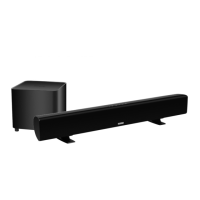
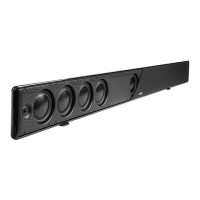
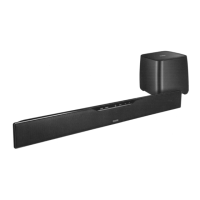
coming from the SurroundBar 6000 IHT
3.
Source
1,2
or
3-Changes
which input
source you are listening to.
4.
Volume
Up
and
Down
( + / -
I-Adjusts
the master volume of the SurroundBar
6000 IHT system.
5.
SUB
Volume
Up
and
Down
( + / - I
Adjusts the volume of the subwoofer.
oo
o
O':;O@
[ill]:
~:=.@)
~~
o 0 @ @
O:ns~=.
~
_ 0
~
Iii1lIl!:mI
((
o
POWER
ACINPUT@J0
lOOV·240V-
250HZ'
60Hz
IQlsow
°
SUBWOOFER CONTROLS
1.
Power
Switch-Turns
the wireless subwoofer
on
or off, but you
can
leave it on
all
the time if you wish.
2.
Power
Connection-The
subwoofer power
cord connects here.
THE STATUS LIGHT
ON
THE WIRELESS
SUBWOOFER INDICATES THE FOLLOWING:
When
light
shines
green:
a.
Green
Steady-The
bar and subwoofer are connected.
b. Green
Slow
Blinking-The
subwoofer
is
searching
for the
bar.
c.
Green Fast
Blinking-The
subwoofer
is
in
the
process
of
connecting with the
bar.
When
light
shines
red:
a.
Red
Steady-The
subwoofer
is
in
standby mode.
b. Red
Blinking-The
subwoofer
is
in
protection mode.
Specifications
System Power
Dimensions
SurroundBar
Subwoofer
Weight
SurroundBar
Subwoofer
Power Requirements
SurroundBar
Subwoofer
Model
Remote
Battery
280 Watts
3 3/4" H x
35"
W x 1 31/32" D
(9.53cm x 89cm x 5cm)
11"
H x 10 1/4" W x
12"
D
(27.94cm x 26.04cm x 30,48cm)
4.7
Ibs
(2.13
kg)
10.6
Ibs
(4.81
kg)
24V,
2.5 A
1
OOV
-
240V,
50Hz - 60Hz
SurroundBar
6000
Instant
Home
Theater
CR2025
Customer
Service
Hours
of
Operation:
Monday-Friday, 9AM-5:30PM
EST
polkcs@polkaudio.com







 To Next Page