EasyManua.ls Logo

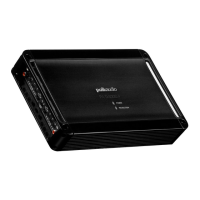
Polk Audio PA D4000.4 - User Manual

Polk Audio PA D4000.4
8 pages
Print Icon
To Next Page IconTo Next Page
Loading...
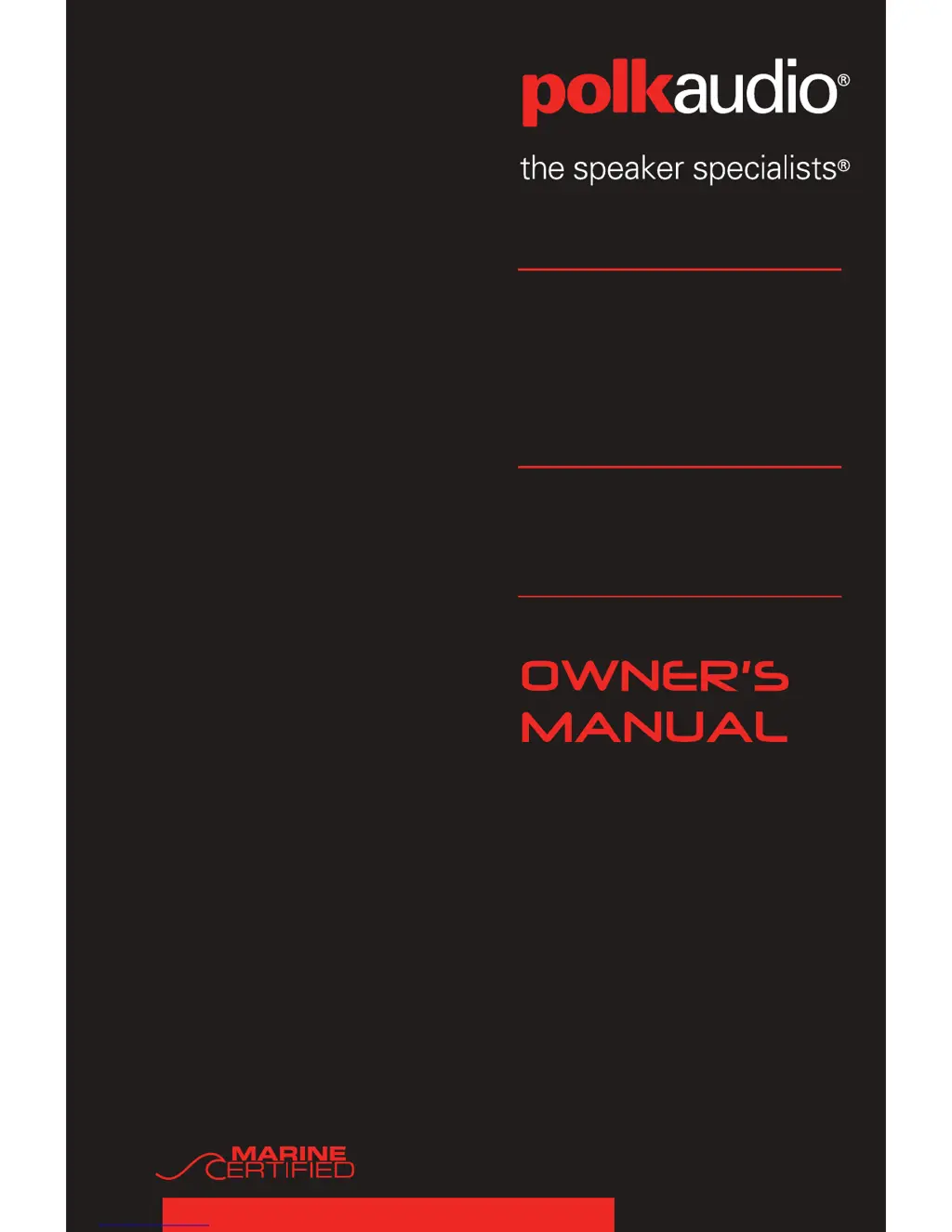
4-CHANNEL
AMPLIFIER
PA
D4000.4

Questions and Answers

  • M
    Monica DicksonJul 26, 2025
    What to do if my Polk Audio Amplifier has distorted output?
    • A
      Autumn WyattJul 26, 2025
      If your Polk Audio Amplifier is producing distorted output, several factors could be responsible. First, the amplifier level sensitivity might be set too high. In this case, readjust the gain. The impedance load to the amplifier might be too low. Check the speaker impedance load and rewire the speakers to create a higher impedance if it's below 2 Ohms (4 Ohms minimum when bridged). Also, check for shorted speaker wires or speakers not properly connected to the amplifier and repair or replace as needed. An improperly set internal crossover for your speakers could also be the reason. In this case, readjust the crossovers. Finally, blown speakers could also be the cause. Check the system with known working speakers and fix or replace them.
  • J
    Jason SmithJul 31, 2025
    What to do if my Polk Audio Amplifier battery fuse keeps blowing?
    • C
      Cody HernandezAug 1, 2025
      If the battery fuse in your Polk Audio Amplifier keeps blowing, it could be due to a short in the power wire or incorrect wiring. Check the power wires and ground connections, repairing or replacing them as needed. Another cause could be using a fuse smaller than recommended, so replace it with the proper size fuse. Finally, the actual current might exceed the fuse rating. In this case, check the speaker impedance load and rewire speakers to create a higher impedance if it's below 2 Ohms (4 Ohms minimum when bridged).
  • M
    Michael FletcherAug 10, 2025
    Why does my Polk Audio Amplifier fuse keep blowing?
    • E
      ericmatthewsAug 10, 2025
      If the fuse in your Polk Audio Amplifier keeps blowing, it could be because the fuse used is smaller than recommended. Replace it with a fuse of the proper size. Another reason could be that the impedance load at the amplifier is too low. Check the speaker impedance load and rewire the speakers to create a higher impedance if it's below 2 Ohms (4 Ohms minimum when bridged). A blown speaker with shorted outputs could also be the cause. Check the system with known working speakers and fix or replace as needed. Finally, the actual current might exceed the fuse rating. In this case, check the speaker impedance load and rewire speakers to create a higher impedance if it's below 2 Ohms (4 Ohms minimum when bridged).
  • B
    Brandon AndersonAug 15, 2025
    What to do if Polk Audio Amplifier thermal protection engages?
    • D
      David ChavezAug 15, 2025
      If the thermal protection engages on your Polk Audio Amplifier, ensure that the amplifier has proper ventilation and improve it as needed.
  • S
    Shannon EvansAug 20, 2025
    How to fix poor bass response in Polk Audio Amplifier?
    • D
      Danielle HowardAug 20, 2025
      If you're experiencing poor bass response with your Polk Audio Amplifier, it could be due to speakers wired with the wrong polarity, causing cancellation at low frequencies. Check the speaker polarity and fix as needed. Another potential cause is an incorrectly set crossover. Reset the crossovers. Also, the impedance load at the amplifier might be too low. Check the speaker impedance load and rewire speakers to create a higher impedance if it's below 2 Ohms (4 Ohms minimum when bridged).
  • J
    Jonathan BowersNov 4, 2025
    Why is my Polk Audio Amplifier not producing any output?
    • R
      Ricky HarrisNov 4, 2025
      If your Polk Audio Amplifier isn't producing any output, several issues could be the cause. It could be due to low or no remote turn-on, so check the remote turn-on at the amplifier and repair it if needed. A blown fuse could also be the problem. Check the power wire’s integrity and check for speaker shorts. Fix as needed and replace the fuse. Ensure the power wires are connected properly by checking the power wire and ground connections, repairing or replacing them as needed. Also, verify the audio input is connected by checking the line level connections and repairing or replacing them as needed. Similarly, check the speaker wires and repair or replace them if needed. Finally, the speakers might be blown. Check the system with known working speakers and repair or replace the speakers as ...

Summary

Introduction to Polk Audio PA D Series Amplifiers

Record Your Amplifier Information

Record amplifier model, serial number, and purchase date for future reference.

Whats Included in the Box

Lists all accessories and documentation provided with the Polk Audio PA D4000.4 amplifier.

Important Safety Warning: Listen Carefully

Advises users about potential hearing damage from high volume levels and safe listening practices.

Internal Bridging Explained

Details how to utilize the amplifier's terminals for internally bridging two channels for increased power.

End Panel Layout and Controls

Line Level Inputs and Controls Overview

Explains the amplifier's line level inputs and associated controls for audio signal connection.

Power and Speaker Connection Terminals

Details the amplifier's power input and speaker output terminals for proper installation.

Rear Panel Controls and Functions

Describes the functions of the amplifier's rear panel controls for audio settings.

Front Panel Controls and Functions

Describes the functions of the amplifier's front panel controls for audio settings.

Amplifier Wiring and Installation

Power and Speaker Wiring Connections

Guides users on correctly connecting power and speaker wires to the amplifier.

Amplifier Bridging Configuration

Explains the process and benefits of bridging amplifier channels for higher power output.

Mounting Location Considerations

Provides guidance on selecting suitable locations for mounting the amplifier safely and effectively.

Installation Guidelines and Warnings

General guidelines for amplifier installation, including a warning against engine compartment mounting.

System Setup and Troubleshooting

Testing Your Amplifier Installation

Step-by-step process to verify amplifier installation and connections after setup.

Adjusting Amplifier Sound Settings

Guide to setting amplifier level controls and crossovers for optimal sound quality.

Common Troubleshooting Solutions

Lists common amplifier operational problems and their corresponding solutions.

Amplifier Specifications

Detailed Amplifier Specifications

Comprehensive technical specifications for the Polk Audio PA D4000.4 amplifier.

Limited Warranty Information

Warranty Terms, Conditions, and Exclusions

Outlines the terms, conditions, and limitations of the product warranty.

Polk Audio PA D4000.4 Specifications

General IconGeneral
BrandPolk Audio
ModelPA D4000.4
CategoryAmplifier
LanguageEnglish

Related product manuals