12
- Ideal for summer to cool rooms rapidly.
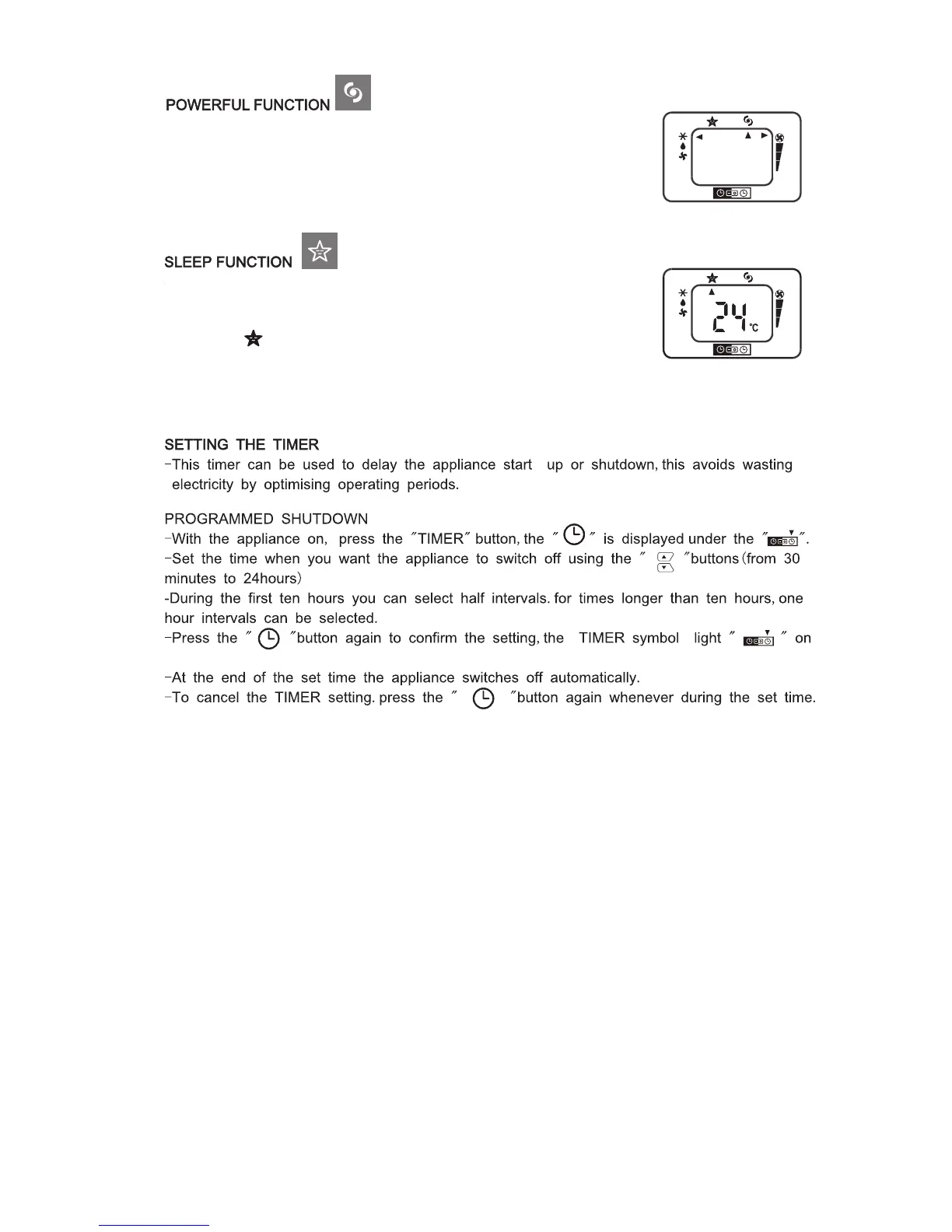
- Activate by simply pressing the POWERFUL button
- The appliance operates in cool mode at maximum fan speed.
In this mode no set temperature is displayed and it is not possible
to set the temperature or change the fan speed.
- This function is useful at night as it reduces the fan speed to low and
dims the display on the unit. To set this function correctly:
- Select the operating mode (cool/dry) as described above.
- Press the “
” button, the appliance operates in the previously
selected mode.
the remote LCD lights up to indicate the timer is activated.



 To Next Page