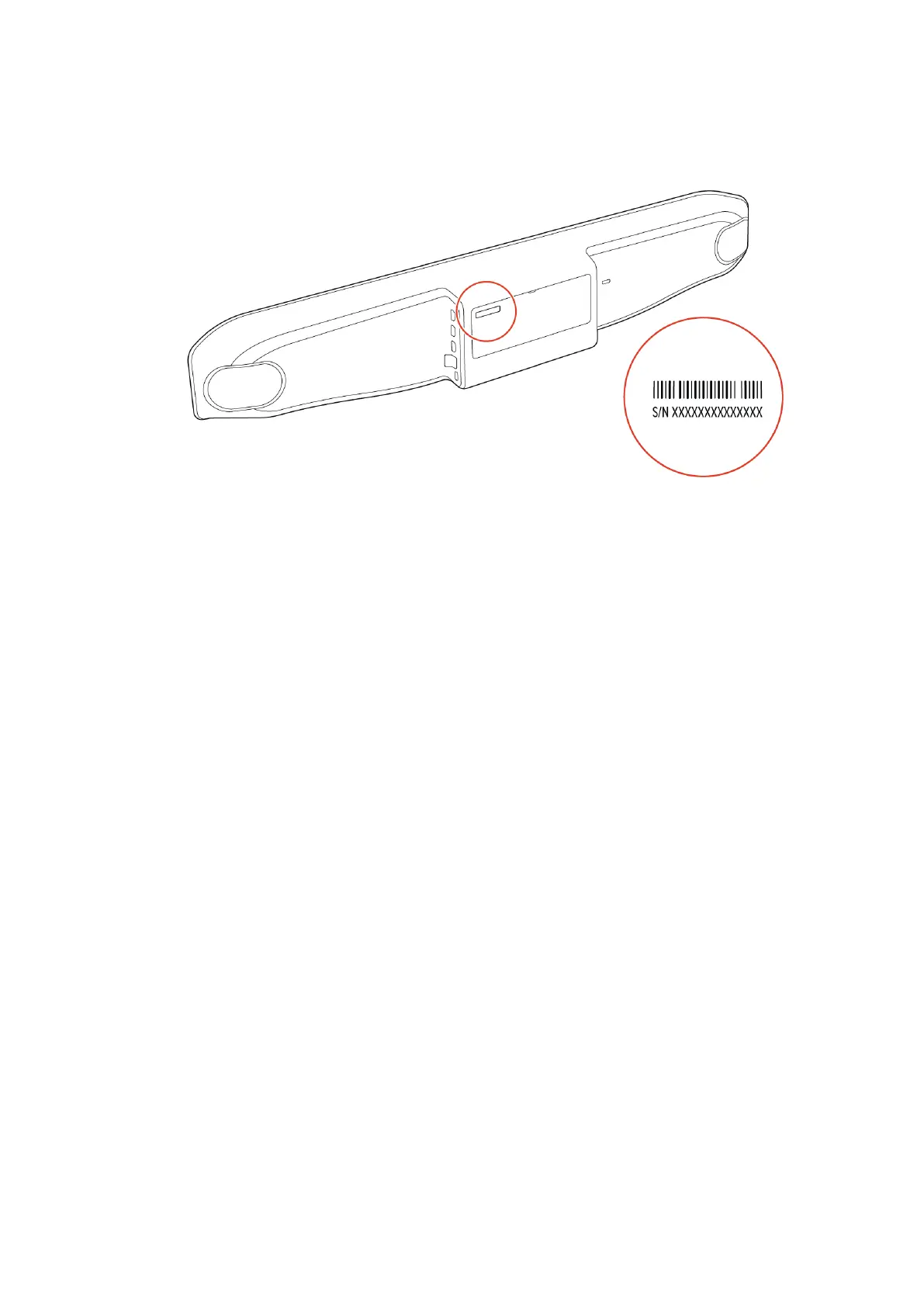
2 Write down the entire serial number (typically 14 characters), not the shorter number on the
label.
Troubleshooting
Use the following topics to troubleshoot your system.
• Poly Studio V72 Doesn't Receive an IP Address When Connected to a Netgear Smart Switch 1G
Port
In some cases, connecting a Poly Studio V72 to a Netgear Smart Switch 1G port may result in no
IP address received by the system.
Poly Studio V72 Doesn't Receive an IP Address When Connected to
a Netgear Smart Switch 1G Port
In some cases, connecting a Poly Studio V72 to a Netgear Smart Switch 1G port may result in no IP
address received by the system.
If Power Back Off (PBO) is enabled on a Netgear 1G Smart Switch port, the Poly Studio V72 will fail to
connect to the network. The PBO feature isn't supported on 1G ports and if enabled can cause this
issue.
Connect the Poly Studio V72 to a 2.5G port on the switch.
Once the system receives an IP address, setup continue. You don't need to manually restart the
system.
Page 13



 To Next Page