•
HDMI: Single input and dual output
•
•
Using a wired or wireless USB mouse as an input device
•
Poly Studio V72 Mounting Orientation
You can mount the Studio V72 above or below a display. The Studio V72 doesn't support inverted
mounting. For information on mounting the Studio V72, see the Studio V72 setup sheet.
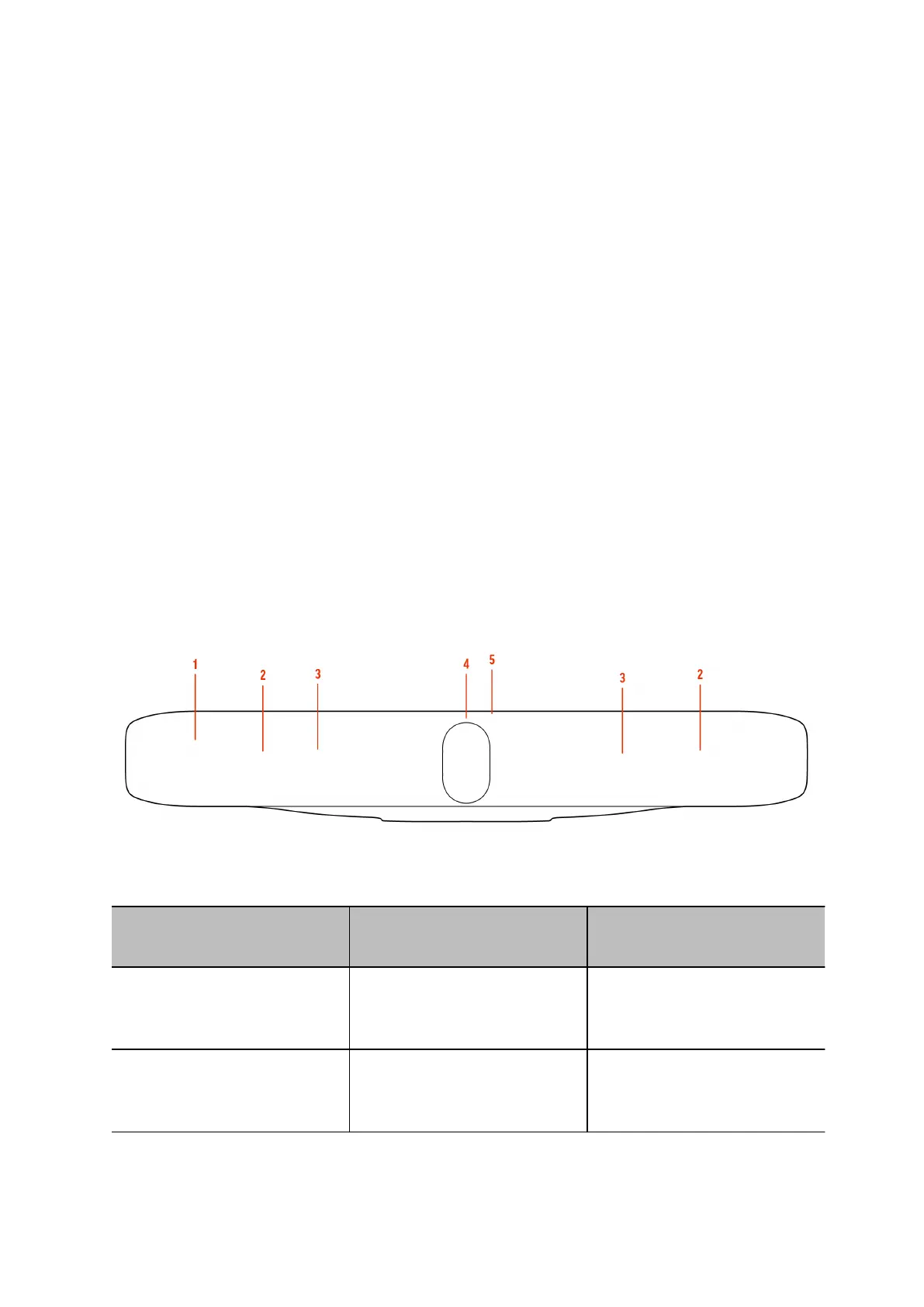
Poly Studio V72 Hardware
• Poly Studio V72 System Hardware Ports
The following illustration and table explain the hardware ports on your Poly Studio V72 system.
• Poly Studio V72 Privacy Shutter Behavior
The privacy shutter automatically opens and closes depending on the state of the connected
video system.
Table 1.
Ref. Number Feature Description
1 Screen
Protective screen that covers
the front of the system
2 Microphone array
Microphone array that captures
audio
Page 5



 To Next Page