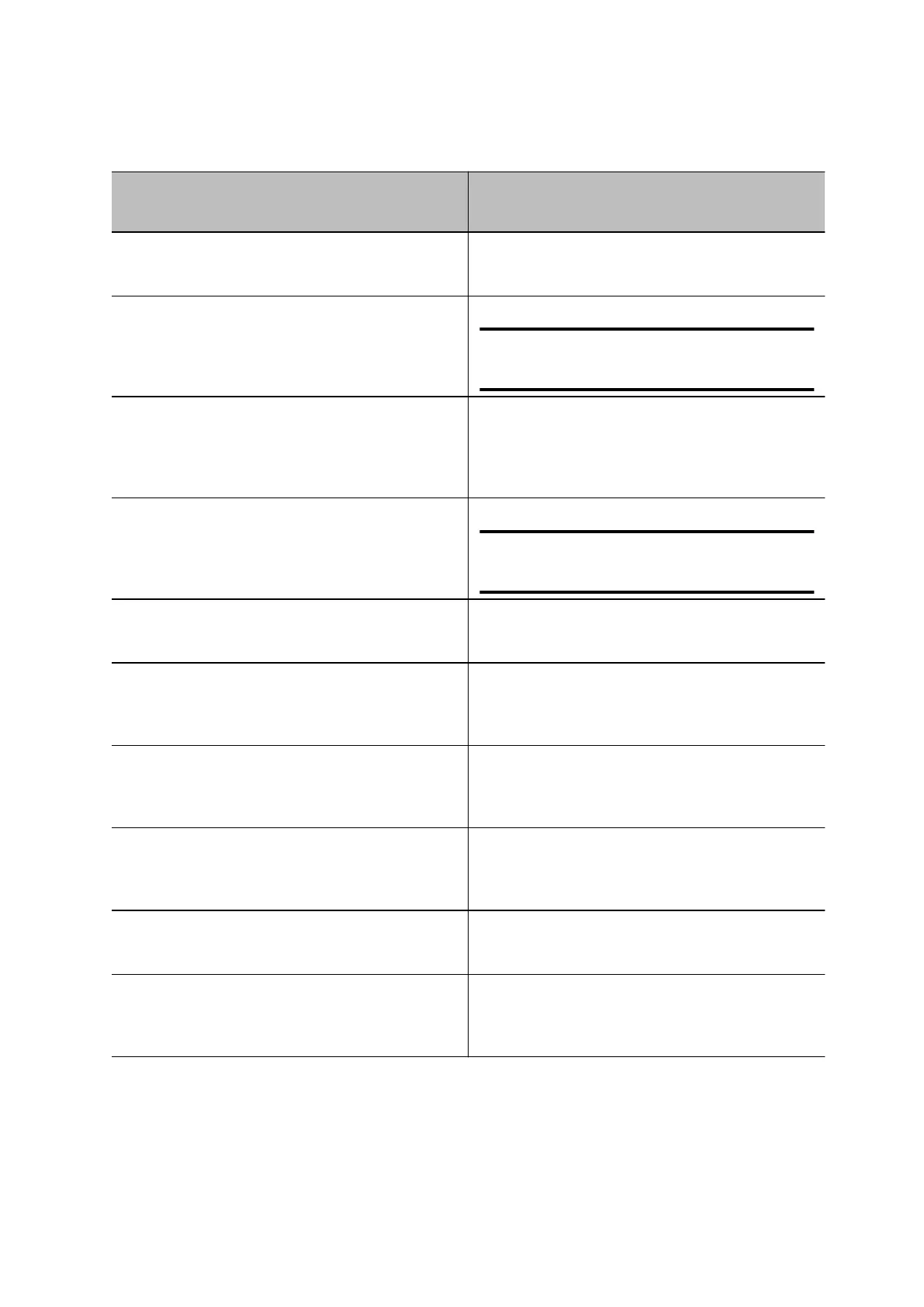
System Event Shutter Behavior
The system powers on Shutters open
The system powers off
Shutters close
Note
If you remove power immediately
,
the shutters don't close.
The system enters sleep mode or digital signage
starts and the
Camera Sleep Setting is set to
Save Energy
Shutters close
The system enters sleep mode or digital signage
starts and Camera Sleep Setting is set to Fast
Wake
Shutters remain open
Note
When Fast W
ake
is set, the
shutters never close.
You wake the system Shutters open
You wake the system and the Studio V72
built-in
camera isn’t the primary camera
Shutters remain closed
You select the Studio V72 built-in camera as the
primary camera
Shutters open
The system receives an incoming call
If the shutters are closed, they remain closed
until the call is answered
The system is sending video Shutters are open
The system is in an active call and the video is
muted
Shutters are open
Setting up the Studio V72
The Studio V72 includes a 1.83m (6ft) HDMI cable, a 4.57m (15ft) LAN cable, and a USB-C cable to
connect your computer to the Studio V72.
Page 8



 To Next Page