Ref. Number Feature Description
3 Speakers Stereo audio output
4 Dual cameras
Camera array with a privacy
shutter that automatically
opens or closes, depending on
the camera state
5 LED indicators
Indicates the system status
and information on the tracked
speaker
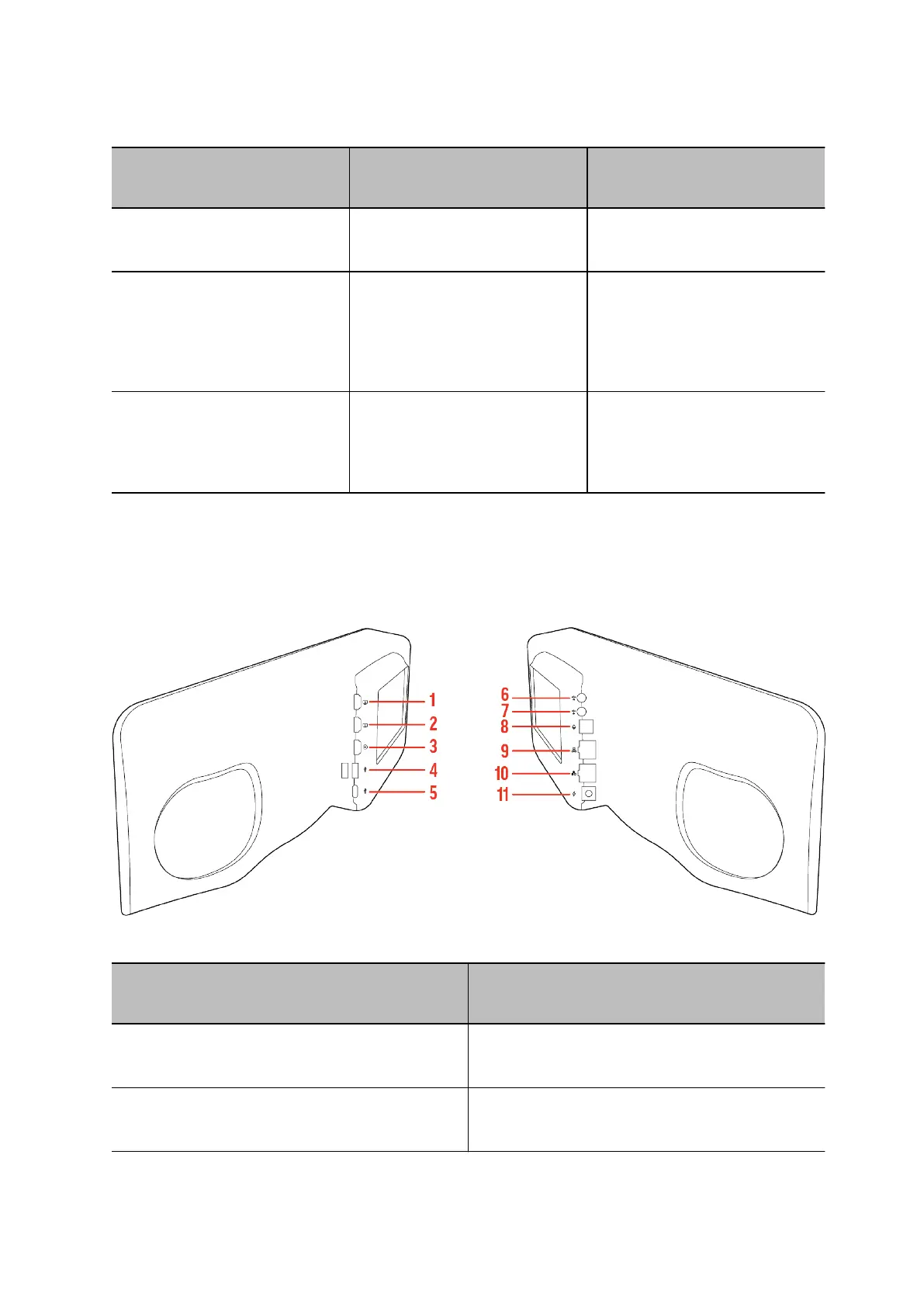
Poly Studio V72 System Hardware Ports
The following illustration and table explain the hardware ports on your Poly Studio V72 system.
Table 1. Poly Studio V72 System Hardware Port Descriptions
Ref. Number Port Description
1
HDMI output (For provisioning only. Does not
support video output from a connected computer.)
2
Page 6
HDMI output (For provisioning only. Does not
support video output from a connected computer.)



 To Next Page