9
User Manual | Edition 1, May 2020
Advanced Unit Timer Functions
1
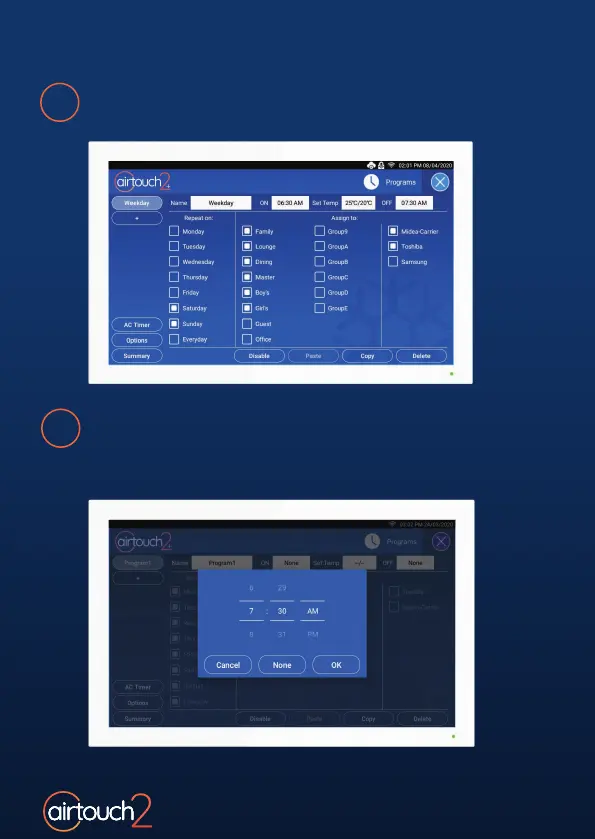
Open the Quick Menu and select Programs.
2
Tap AC Timer to load the Time Wheel, and choose the time
for each operation. When a Timer event is scheduled,
a Timer Icon will display on the home screen next to your
AC Unit’s name.



 To Next Page