8
www.airtouch.net.au
Setting the AC Timer
The AC Timer function is useful for automatically
switching the AC on or o at a given time.
Quick Timer
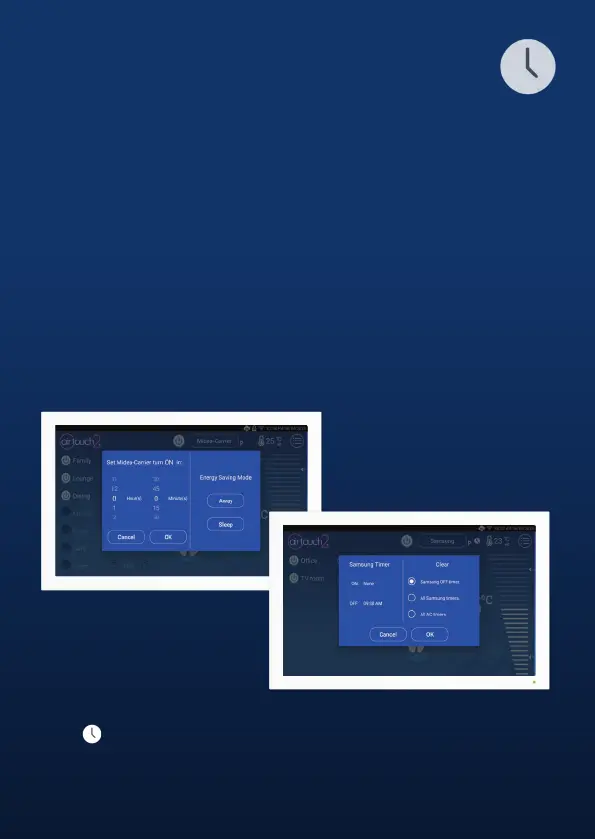
Setting the Quick Timer from the Home screen to Turn ON or OFF the
Air Conditioning at a chosen time (up to 12 hours)
Turn ON Timer
To Set a Quick Timer to Turn On the Air Conditioning when the unit is
currently o, Tap and Hold the Power Button and scroll to select your
desired On Time. The On AC timer icon will appear below the power button.
Turn OFF Timer
To Set a Quick Timer to Turn O the Air Conditioning when the unit is
currently on, Tap and Hold the Power Button and scroll to select your
desired O Time. The O AC timer icon will appear below the power button.
Remove Timer
Touch near the AC home to bring up Timer Setting dialogue.
Choose the timer to be removed and touch Conrm button to nish.



 To Next Page