Answer a Call
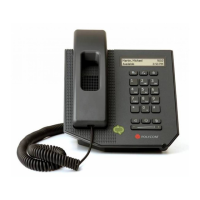
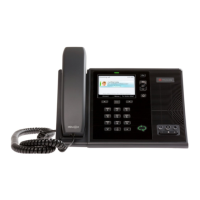
You can answer a call in two ways using your CX600 desk phone:
• Using the handset
• Using the speakerphone
When an incoming call is received, the caller name and information will be displayed.
Perform one of the following steps to answer an incoming call:
• Pick up the handset.
Or:
• Press the Speakerphone button
or the Left Select button to answer the call
through the speakerphone.
Call duration on an active call is monitored through a local call timer. This is visible on
the display.
Speaker
phone
button
(leftmost)
.




 To Next Page