• Adjust the plate height by pressing Automatic plate height adjustment
button (21) and wait until it stops with the plate at the front. Press the IN
button 26 or 27 to send the plate back.
• If the Epson Panel is not on “ready” and the height limitation LED 22 is
ON, move the plate down, by pressing the “Go down” button (20) until
the Limit LED 22 switches off and press the IN button 26 or 27 again. Do
these steps until you get “ready” on the Epson Panel display.
• Place a piece of paper or clear inkjet film (transparent polyester in case of
white ink) on the media plate.
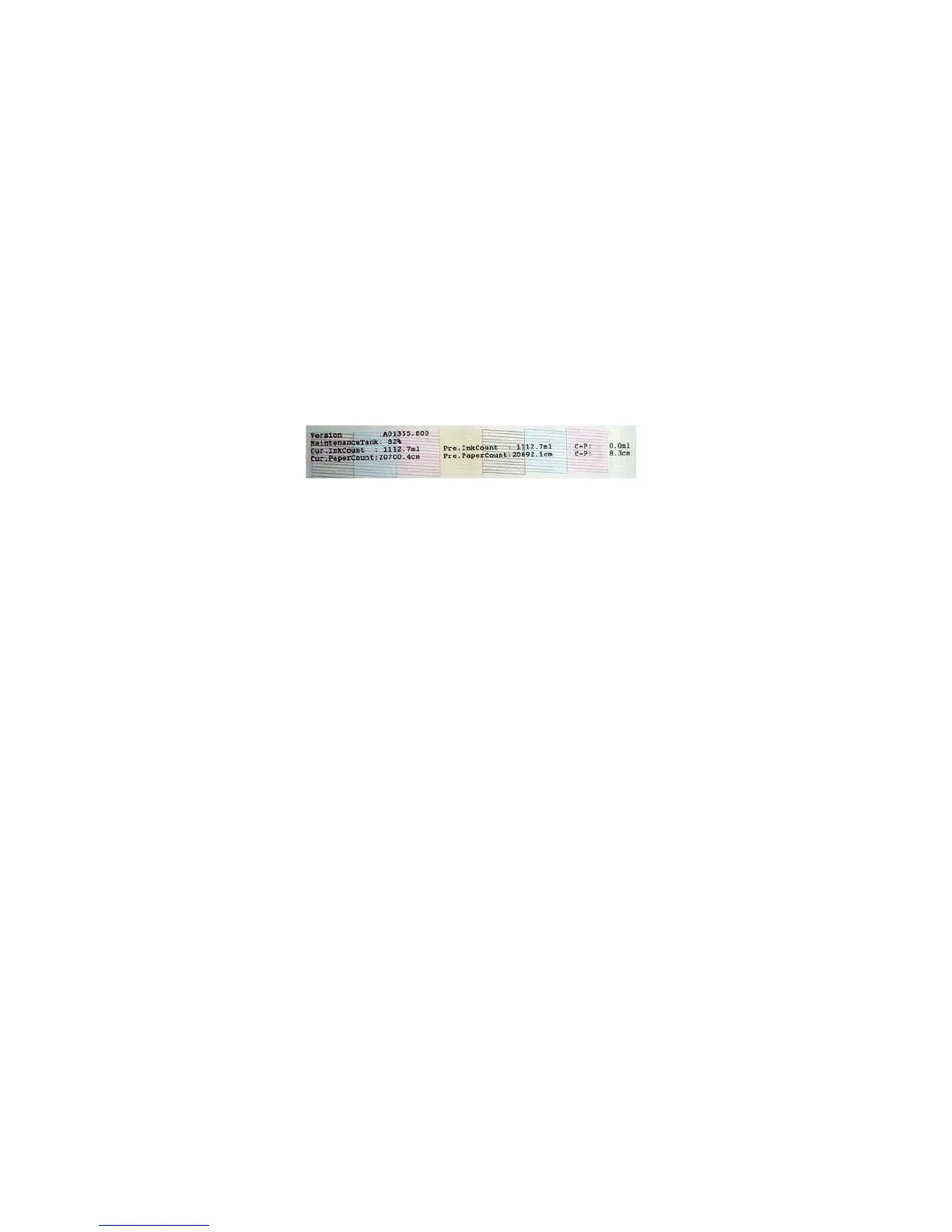
• Press the menu button (10) and go to “Test print” and perform “Nozzle
check”. The printer will print the pattern shown in the picture that
indicates if all the colors have been filled up correctly.
• If the colors do not look like the picture, and you notice that some of
them are missing, perform the “Powerful Cleaning” one more time.
Nozzle Check



 To Next Page