EasyManua.ls Logo

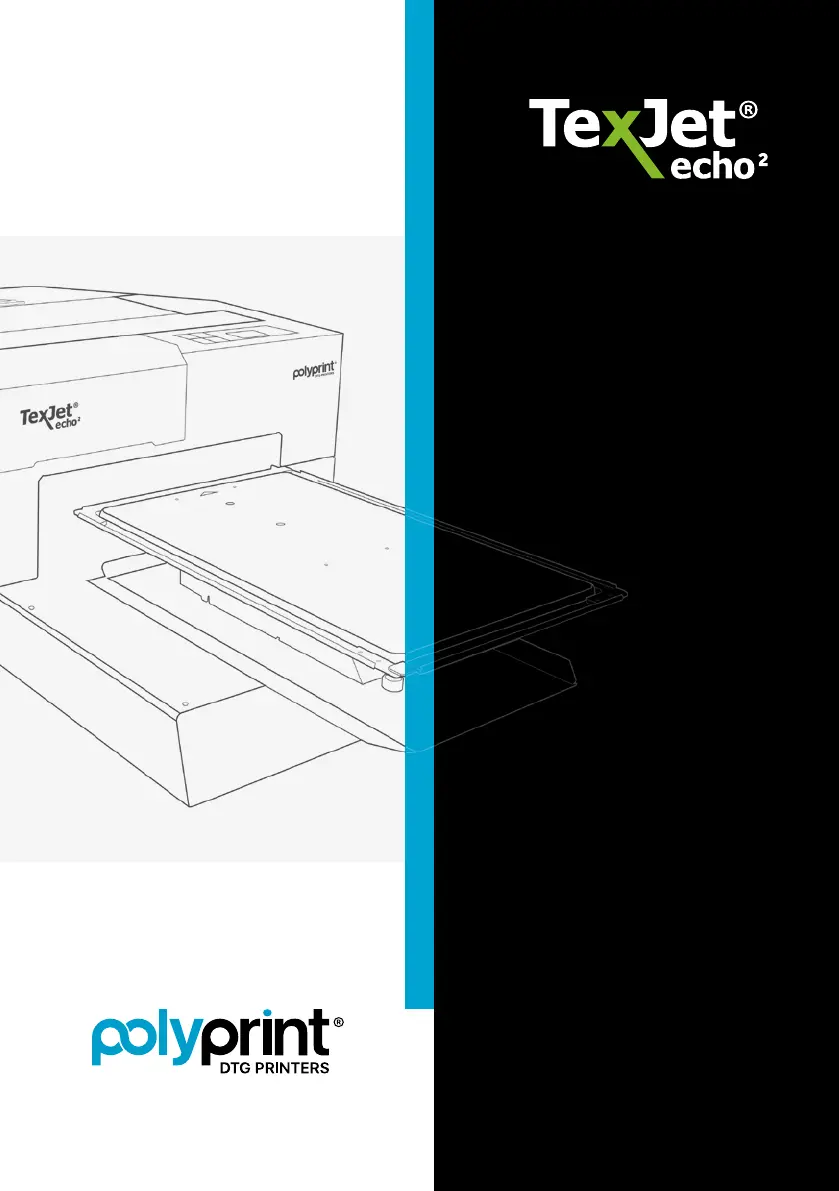
Polyprint TexJet echo2 - User Manual

Polyprint TexJet echo2
24 pages
Print Icon
To Next Page IconTo Next Page
Loading...
QUICK
USER GUIDE

Questions and Answers

Summary

Platen Control Panel Buttons

Button Operations and Functions

Explains the functions of all buttons on the platen control panel, including operation, movement, and maintenance.

Wake Up Procedure

Step-by-Step Wake Up Process

Outlines the complete procedure for powering on and preparing the printer for use, including ink cartridge checks.

Sealed Ink Cartridge

Checking Ink Levels with Scale

Details how to use the provided scale to accurately check the remaining ink in sealed cartridges.

Refillable Ink Cartridge Filling Procedure

Ink Bottle Preparation and Filling

Explains the process of shaking ink bottles and filling refillable cartridges using a funnel.

Platen Movement

Using Control Panel for Platen Movement

Instructions on operating the platen using control panel buttons and safety precautions during movement.

Emergency Stop Button

Purpose and Operation

Describes the function of the emergency stop button and how to reset it after activation.

Adjusting Platen Height

Procedure for Optimal Print Quality

Details the process of adjusting platen height for consistent print quality and handling errors.

Maintenance Cover Open Message

Resolving the Message

Explains how to clear the message indicating the maintenance cartridge cover is open.

Maintenance Cartridge Reset

Resetting the Maintenance Cartridge Chip

Step-by-step guide to reset the maintenance cartridge chip after emptying or replacing it.

Cartridge Chip Reset

Resetting Individual Cartridge Chips

Procedure for resetting the chip on individual ink cartridges to ensure proper recognition.

Ink Curing & Pretreatment Heat Press Settings

Heat Press Settings for Dark Shirts

Provides recommended temperature and time for curing inks on dark garments.

Heat Press Settings for Light Shirts

Provides recommended temperature and time for curing inks on light garments.

Pretreatment Curing Times

Details the temperature and time required for applying pretreatment.

Maintenance Schedule

Daily and Weekend Maintenance Tasks

Lists routine cleaning and inspection tasks for daily and weekend operations.

Periodic Maintenance Tasks

Outlines maintenance activities required monthly, every six months, and during long inactivity.

Daily Maintenance

Performing Daily Cleaning

Guides users through entering maintenance mode and performing essential head cleaning steps.

Cleaning Capping Station and Wiper

Details the process of cleaning critical components like the capping station and wiper.

Capping Station Filling and Finalizing

Covers filling the capping station with cleaning liquid and completing the maintenance cycle.

Monthly Maintenance

Initiating Monthly Maintenance

Explains how to initiate monthly maintenance procedures via the control panel.

Monthly Cleaning Tasks

Details specific cleaning tasks for the print head, scale CR, and carriage shaft.

Six Month Maintenance

Cartridge Cleaning Procedure

Outlines the steps for safely removing and cleaning ink cartridges.

Refillable Cartridge Cleaning

Details the disassembly, cleaning, and reassembly of refillable cartridges.

Long Inactivity Maintenance

Printer Idle Procedures

Instructions for maintaining the printer when it will be idle for an extended period.

Troubleshooting

Error Code Solutions

Provides actions to resolve common error codes displayed by the printer.

Ink Flow Issues

Offers troubleshooting steps for problems related to ink flow and nozzle performance.

Print Quality Issues

Guides users on how to diagnose and fix common print quality problems.

Polyprint TexJet echo2 Specifications

General IconGeneral
BrandPolyprint
ModelTexJet echo2
CategoryPrinter
LanguageEnglish

Related product manuals