12
POLYPRINTDTG.COM
QUICK USER GUIDE
Daily Maintenance should be performed at the end of the production
day, after you have nished printing. Weekend Maintenance should be
performed if you plan to leave printer idle for a few days, up to a full month.
Maintenance procedure:
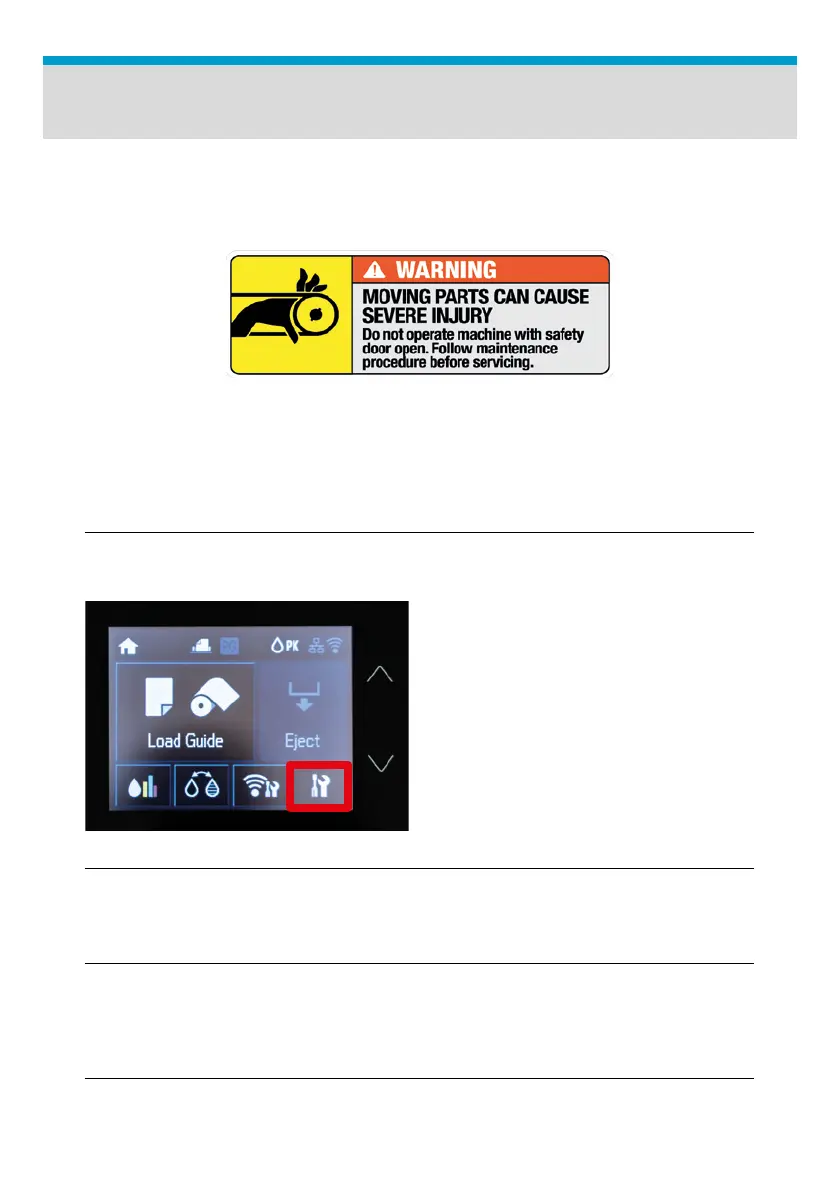
Follow the instructions. Tap on
the Settings Button on the touch
panel.
Fig.15: TexJet
®
echo² Settings Button.
Daily Maintenance
| 01_STEP
Press Shift + Maintenance Button at Platen Control panel to enter
Maintenance Mode.
| 03_STEP
Tap on Maintenance, Print Head Cleaning and Head Cleaning.
| 02_STEP
| 04_STEP
Wait for top panel to turn off.



 To Next Page