16
POLYPRINTDTG.COM
QUICK USER GUIDE
Six Month Maintenance
| 03_STEP
Tap on Maintenance, Print Head Cleaning and Head Cleaning.
1. Scale CR Cleaning: Put some cleaner or isopropyl alcohol on a piece
of paper and gently pass it over the transparent encoder strip, behind the
Head carriage. Make sure you unlock the head, so you can clean the right
part of the scale, over the capping station.
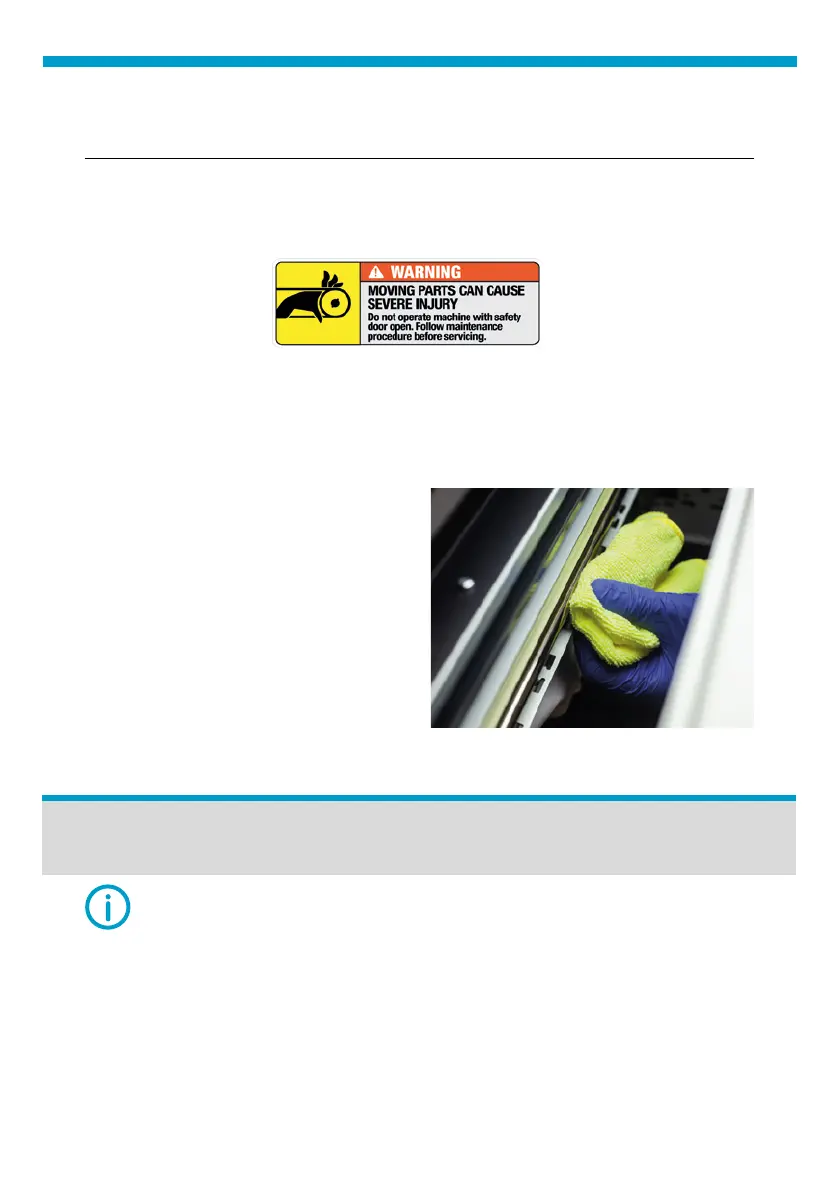
Fig.20: Carriage Shaft Cleaning.
2. Carriage Shaft Cleaning: Pass
a clean piece of cloth over the
carriage shaft to clean it from the
ink mist created during printing.
Make sure you unlock the head,
so you can clean the right part of
the shaft, over the capping station.
Do not put grease if the TexJet
®
series printer is less than one
year old. If printer is more than one
year old, when cleaned, use WD40.
| 04_STEP
Wait for top panel to turn off.
NOTE: Ignore if using sealed cartridges.
Cartridge Cleaning:
| 01_STEP
Release the pressure on the cartridge and then slide the plastic cover to
the side, to remove it. (Fig.22)



 To Next Page