8
POLYPRINTDTG.COM
QUICK USER GUIDE
Maintenance Cartridge Reset
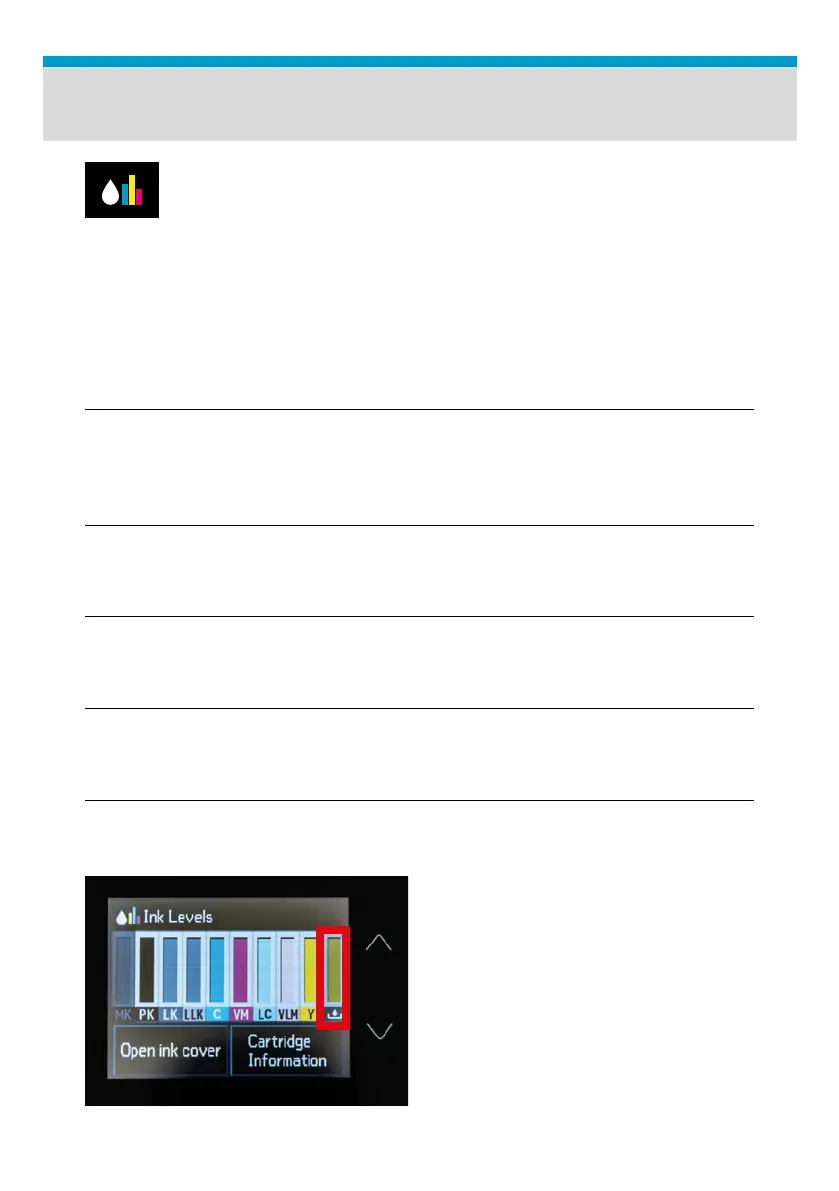
Fig.13: Maintenance Cartridge chip level Display.
To check waste tank chip level, tap on the drop icon on the
Printhead Control panel.
Reset procedure:
| 01_STEP
Press Start Position Button to send platen inside. Wait for the Ready
To Print message is displayed at the Platen Control panel.
| 02_STEP
Remove the maintenance cartridge, empty and reset it, using the chip
resetter provided in the TexJet® series Printer package.
| 03_STEP
Open and close ink cartridge cover.
| 04_STEP
Reinsert the maintenance cartridge back to its position.
| 05_STEP
Open and close ink cartridge cover.
| 06_STEP
Check from the top panel if the tank
chip level is full. If not, go to Step 1.



 To Next Page