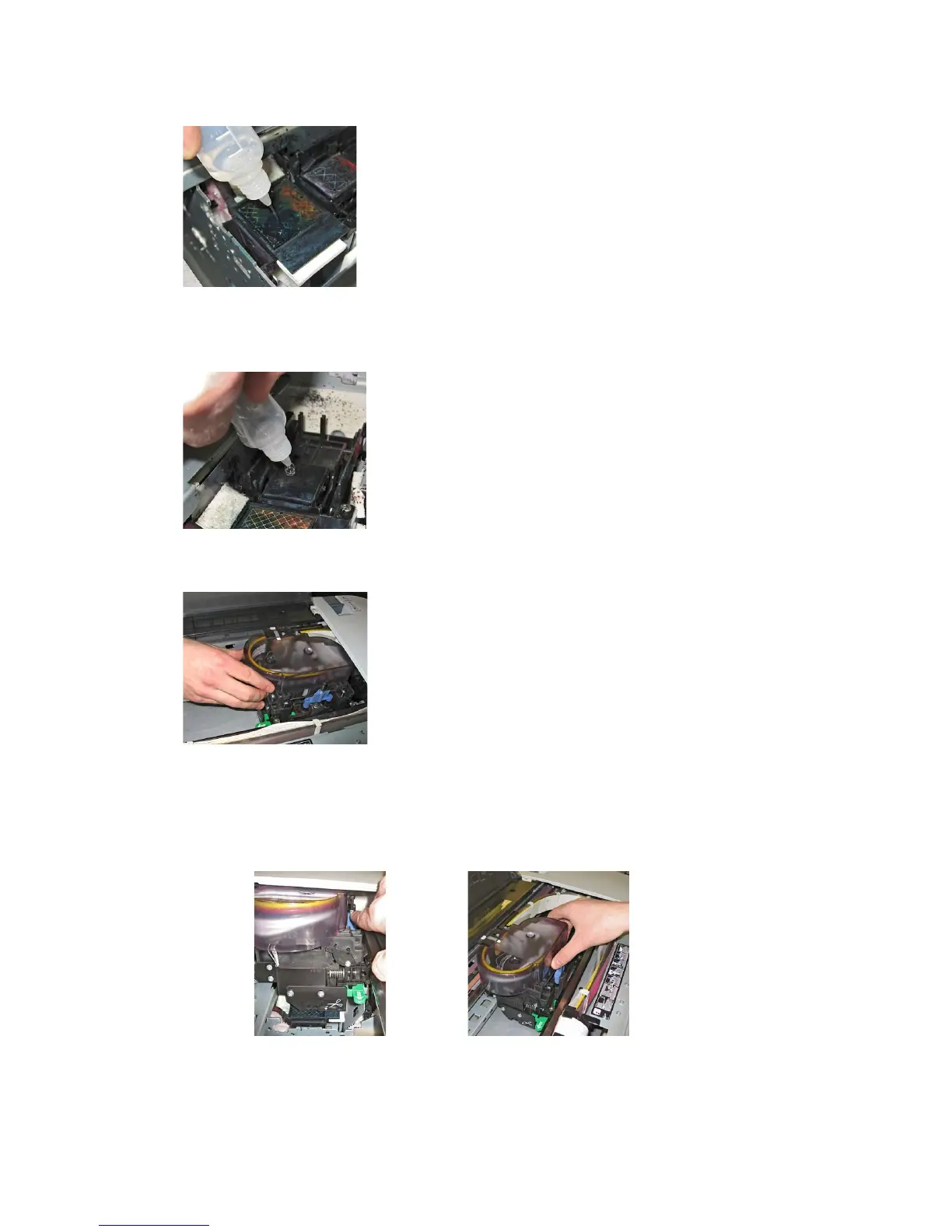
5. Use cleaning fluid on the spray area to wash out the dried ink
7. Fill the capping using cleaning fluid
8. Move the print head manually into the parking position
9. Perform a normal cleaning by pressing the menu button for 3 seconds
10. When cleaning is finished, open the top cover
11. As before, move the print head again out of its parking position, by
pressing the purple lever



 To Next Page